Asana
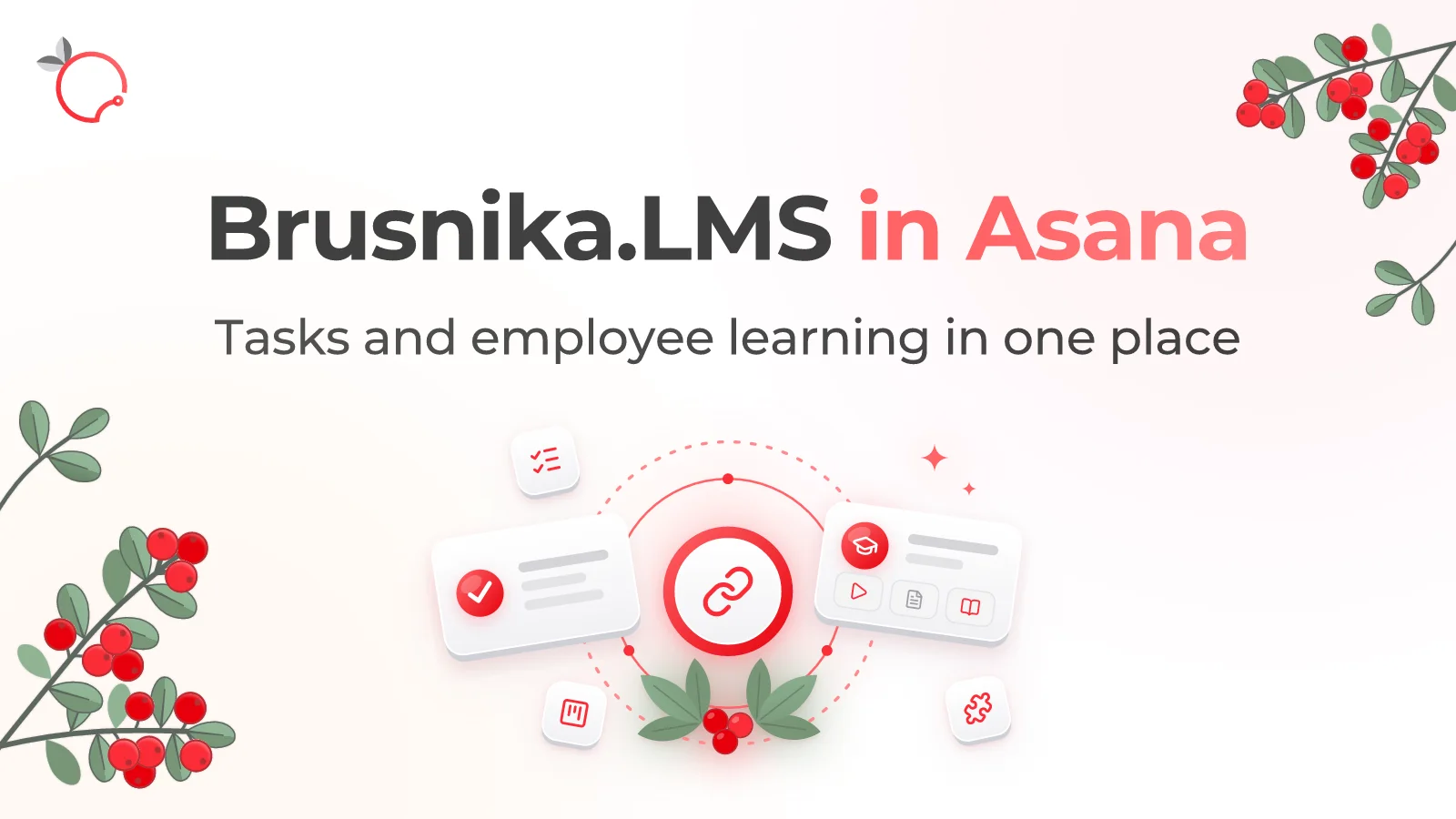
Synchronize Asana users and teams with Brusnika.LMS and notify employees about assigned training through personal tasks in Asana.
Corporate learning for teams that work in Asana
Connect Brusnika.LMS to Asana and link employees' everyday work with corporate learning.
Brusnika.LMS gets users and teams from your Asana workspace, and when training is assigned, it creates a personal task for the employee in Asana. Courses, tests, learning programs, and surveys are created and completed in Brusnika.LMS, while Asana remains the work environment where employees plan and complete their tasks.
What the integration gives you
One connection, one Asana workspace. All of its employees work in a single learning space.
Connection with no setup in Asana
User and team synchronization
Teams as an organizational structure
Notifications as Asana tasks
Use cases
How it works
Connect Asana
Install Brusnika.LMS from the Asana App Directory or start the connection with the button on this page.
Confirm access
Authorize access to your Asana workspace through OAuth.
Return to Brusnika.LMS
The connection is completed automatically.
Synchronize users and teams
Your workspace employees and teams become available in Brusnika.LMS.
Assign training
Set up a learning scenario and assign training to employees: each of them will receive a task in Asana.
What gets synchronized
| Asana | Brusnika.LMS |
|---|---|
| Workspace users | LMS users |
| Teams | Organizational structure for assignments and reports |
| Personal task in “My Tasks” | Notification about assigned training |
Who does what
Connects Asana once, synchronizes users and teams, assigns courses, tests, and learning programs, and tracks the results in Brusnika.LMS.
Receives a task about the assigned training in Asana, completes courses, tests, programs, and surveys in Brusnika.LMS, and keeps working in the system they already use.
Connect in a few clicks
Connect Asana → confirm access → synchronize teams → assign training.
Frequently asked questions
Keep exploring
Brusnika.LMS + Asana
Learning where the work happens.
Connect the LMS to Asana, synchronize users and teams, and assign training: employees find out about it in the work system they already use.
Articles mentioning this integration
Brusnika.LMS Is Now Available in the Asana App Directory
Read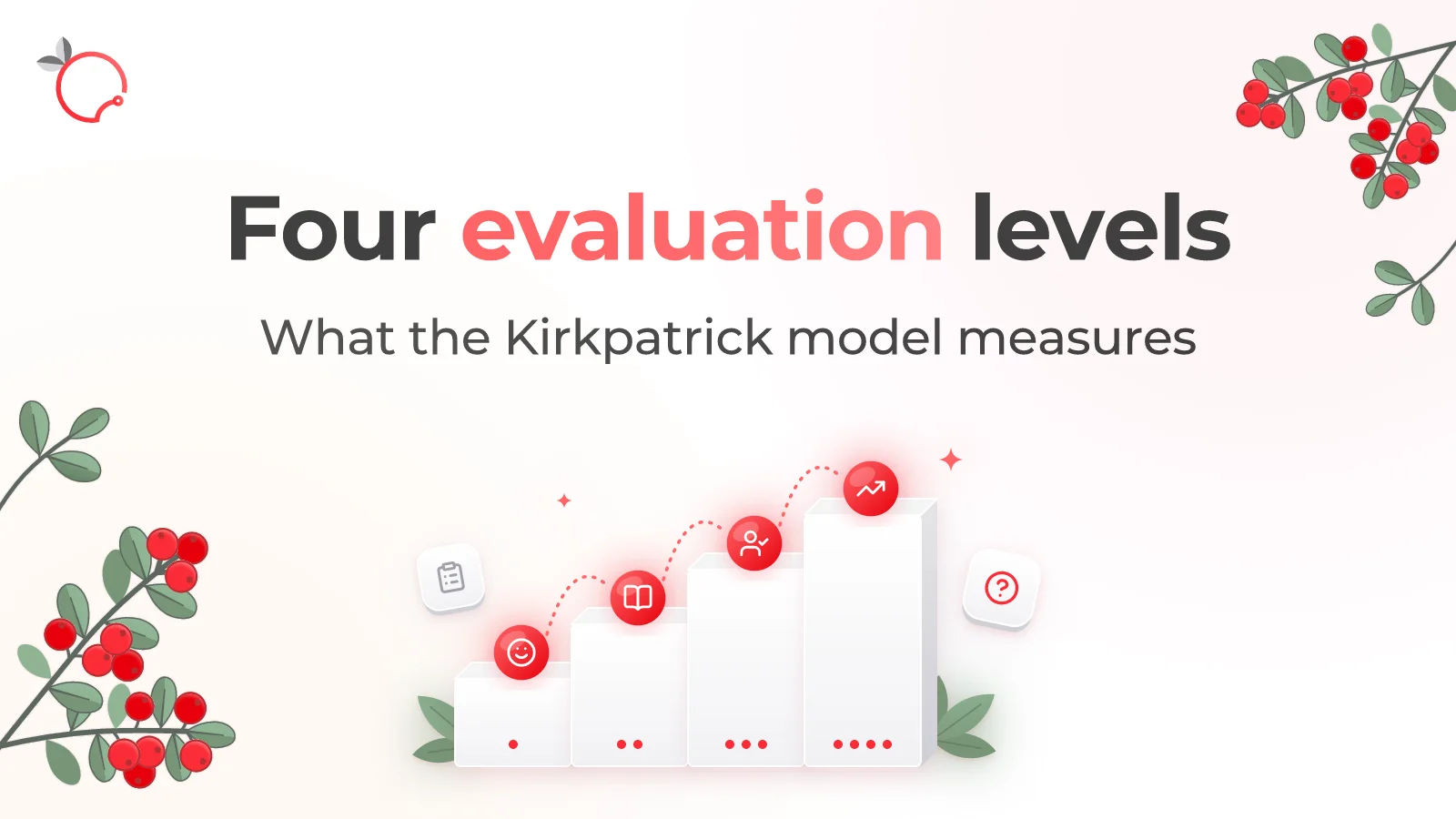
The Kirkpatrick Model: What the Four Levels of Training Evaluation Actually Measure
Read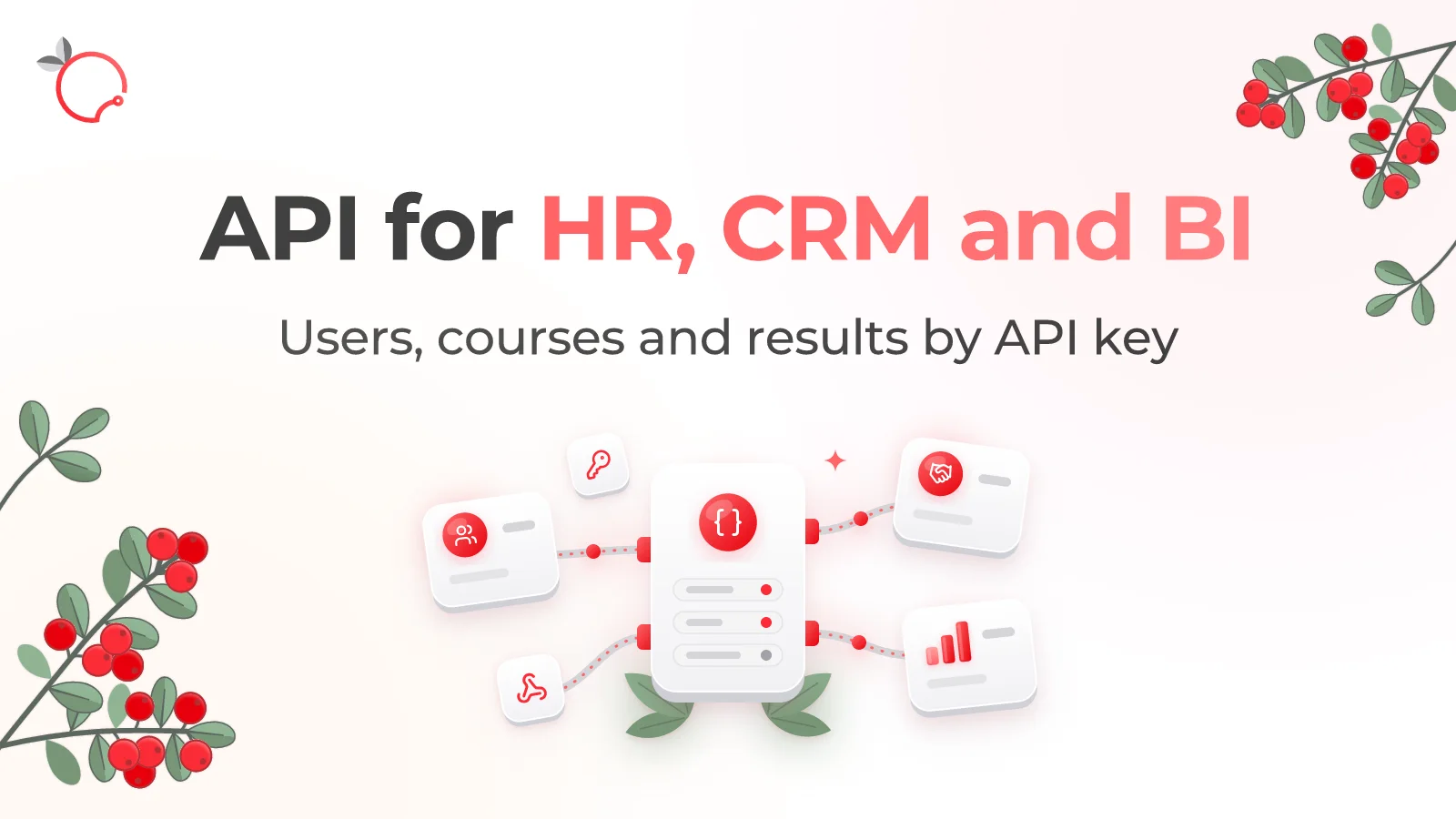
Brusnika.LMS Public API — LMS Integration with HR, CRM and BI
Read