Brusnika.LMS Is Now Available in the Asana App Directory
Artur Yakhin
Fullstack Developer Brusnika.LMS
Integrations mentioned in this article
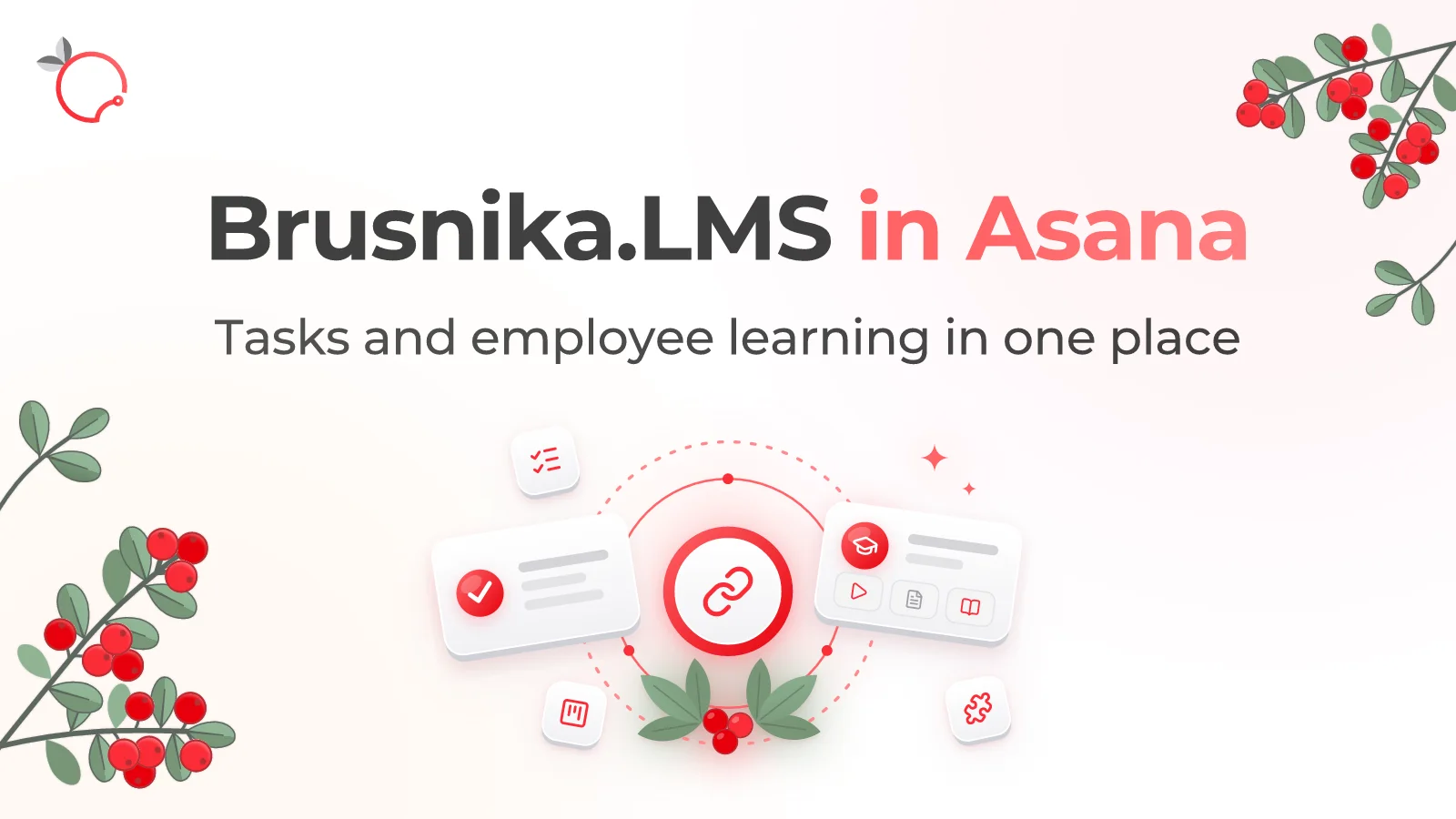
Brusnika.LMS is now listed in the Asana App Directory. Companies that use Asana to manage their workflows can now connect employees' daily work with corporate learning.
We continue to expand Brusnika.LMS integrations with popular business systems. The next step is the Asana integration, which is now published in the platform's official app directory.
Asana is a project and workflow management system that helps teams organize tasks, communication and collaboration. The integration with Brusnika.LMS connects this work environment with employee learning and development processes.
What the Brusnika.LMS and Asana integration offers
The integration brings organizational data and learning notifications into the work environment your employees already use.
User and team synchronization
Teams as the basis for organizing learning
Notifications about assigned learning
One space for work and learning
How to connect the integration
Connecting requires no special setup on the Asana side.
Install the app
Install Brusnika.LMS from the Asana App Directory.
Authorize access
Authorize access to your Asana workspace via OAuth.
Return to Brusnika.LMS
The connection will be completed automatically.
Synchronize your data
Synchronize users and teams.
Assign learning
Set up a learning scenario and assign learning to employees.
Learning where the work happens
At Brusnika, we believe corporate learning should not exist apart from a company's workflows.
The easier it is for employees to access the knowledge they need and complete learning, the more naturally development becomes part of everyday work.
The Asana integration is one more step in this direction.
Try Brusnika.LMS together with Asana.
Open Brusnika.LMS in the Asana App Directory
Learn more about Brusnika.LMS capabilities on the features page.