Slack
Sign in to Brusnika.LMS with Slack, train employees and groups without separate registration, and receive learning notifications in Slack.
Corporate learning for teams that work in Slack
Connect Brusnika.LMS to Slack and manage employee training without creating separate accounts or transferring users manually.
Employees sign in to the LMS with their Slack account and automatically become Brusnika.LMS users. The administrator can immediately assign them courses and learning programs.
What the integration gives you
One Slack workspace, one Brusnika.LMS portal. All employees work in a single learning space.
Sign in with Slack, no separate registration
Automatic LMS portal creation
Employee synchronization
Notifications in Slack
Use cases
How it works
Connect Slack
Choose sign-in with Slack and confirm access to the workspace.
The LMS portal is created automatically
After you confirm, you are taken straight into Brusnika.LMS; there is no need to create a portal or register separately.
Employees and groups are synchronized automatically
Your workspace employees become LMS users, Slack groups become LMS groups, and the administrator can assign them courses and learning programs.
Notifications arrive in Slack
Employees learn about new assignments and materials where they work.
What gets synchronized
| Slack | Brusnika.LMS |
|---|---|
| Employees (workspace members) | LMS users |
| Groups | LMS groups |
| Notifications in Slack | Learning notifications |
Who does what
Connects Slack once, sees employees and groups in Brusnika.LMS right away, assigns courses and learning programs, and tracks the results.
Signs in with the existing Slack account, gets access to courses, programs, tests, and the knowledge base, and learns about new assignments in Slack.
Connect in a few clicks
Sign in with Slack → confirm access → start learning.
Frequently asked questions
Keep exploring
Brusnika.LMS + Slack
Your Slack workspace becomes the entry point to corporate learning.
Connect the LMS to Slack, synchronize your employees and groups, and launch training with no separate registration and no complicated setup.
Articles mentioning this integration
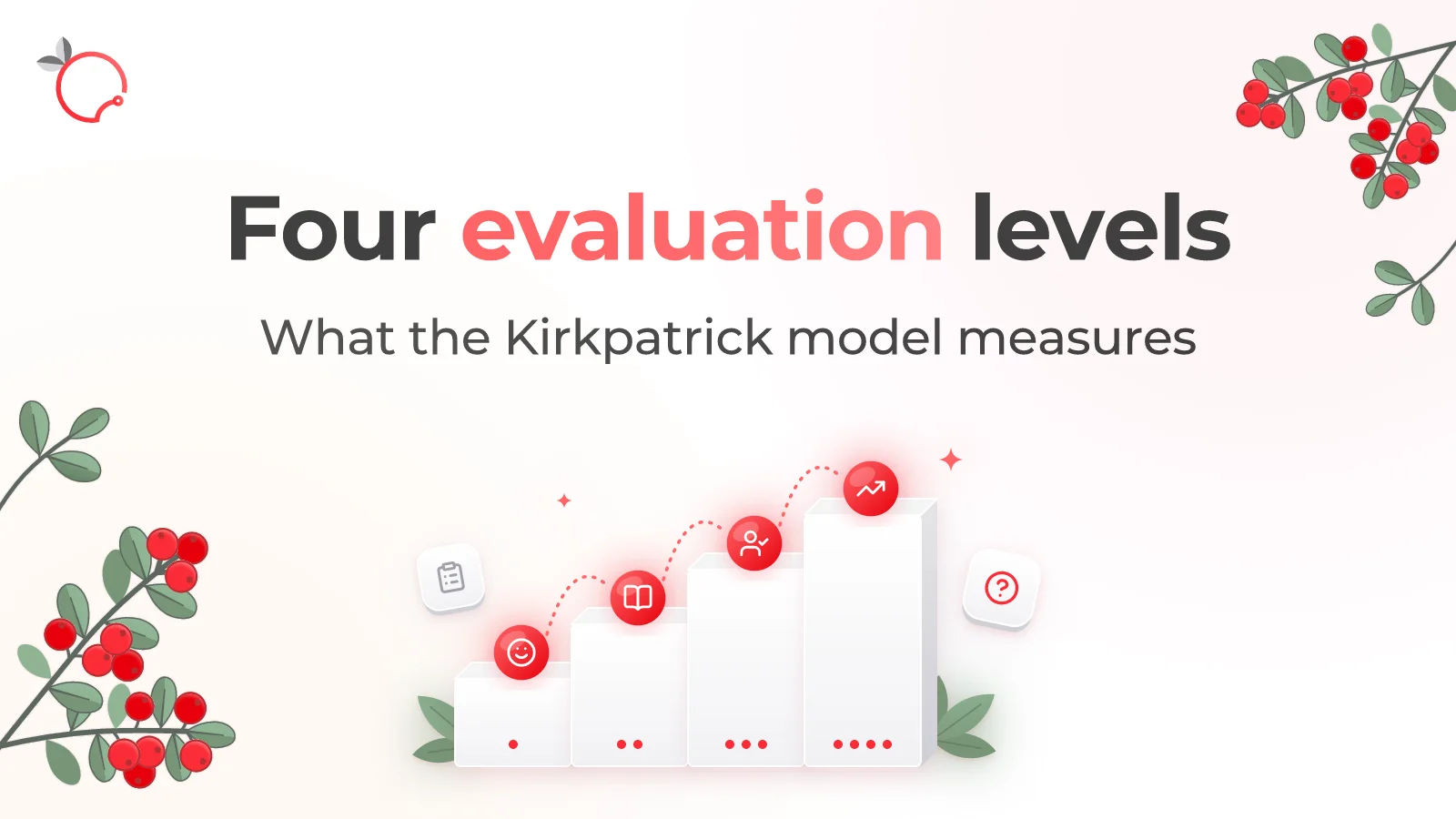
The Kirkpatrick Model: What the Four Levels of Training Evaluation Actually Measure
Read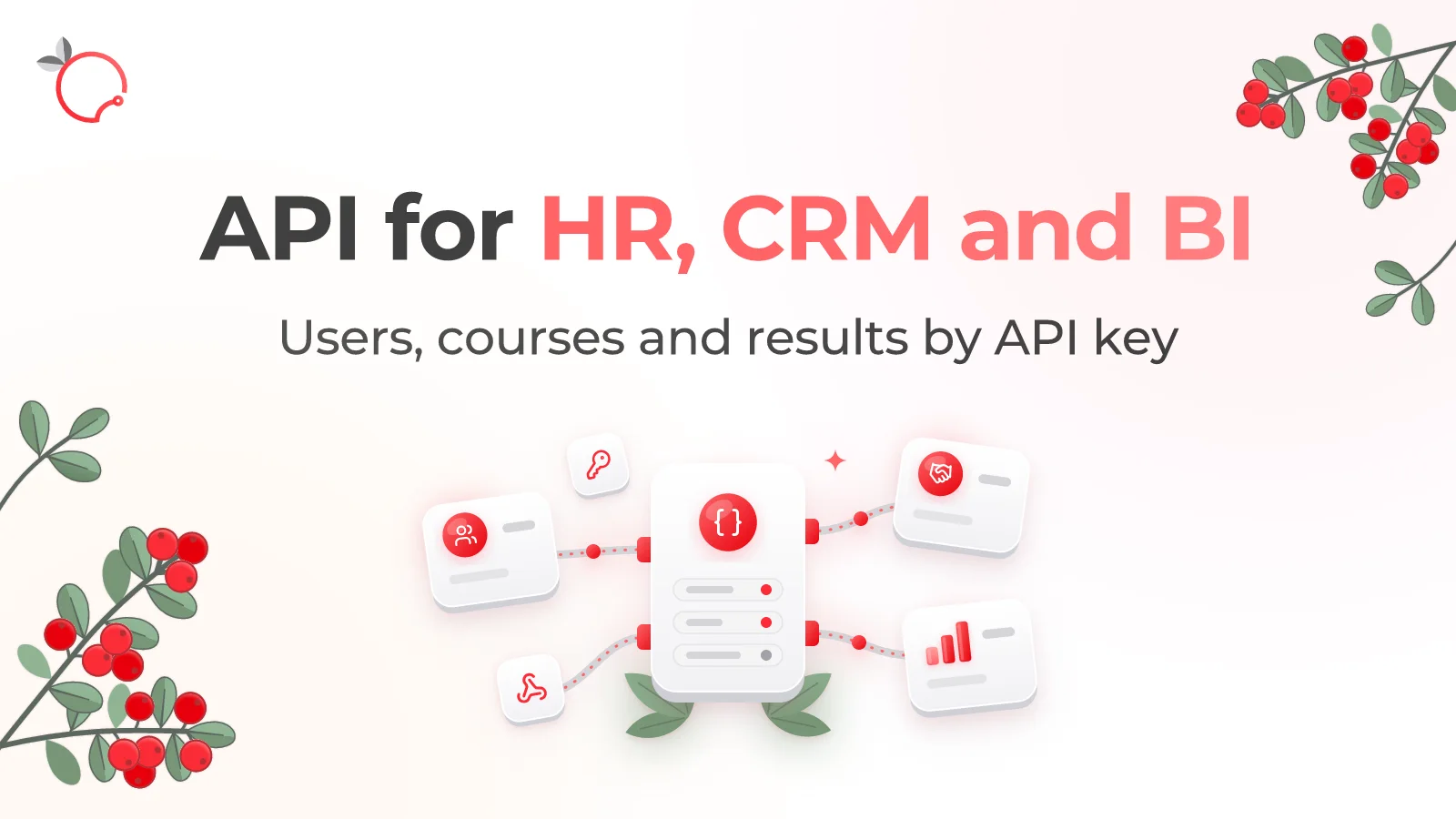
Brusnika.LMS Public API — LMS Integration with HR, CRM and BI
Read
External Learning in Brusnika.LMS: 5 Ways to Train External Users
Read