Notion
Embed Notion pages in Brusnika.LMS courses and knowledge base materials, so employees learn from up-to-date content without leaving the LMS.
Corporate learning on top of your Notion content
Embed Notion pages in Brusnika.LMS materials and turn the guides, regulations and wikis your team already keeps in Notion into learning.
Authors keep editing in Notion, and employees study the same page inside the LMS, next to courses and tests.
What the integration gives you
Notion stays the place where content is written. Brusnika.LMS is where it is learned.
Notion pages inside the LMS
Content is always up to date
One learning space
Assignments and results
Use cases
New hire onboarding
How it works
Share the Notion page
Open the page in Notion and enable sharing by link.
Add it as a material
In Brusnika.LMS, create a material in a course or the knowledge base and paste the page link.
Assign and track
Assign the material to employees and groups and follow their results in reports.
Frequently asked questions
Keep exploring
Brusnika.LMS + Notion
Your Notion workspace becomes a source of corporate learning.
Embed pages as materials, assign them to employees and measure the results.
Articles mentioning this integration
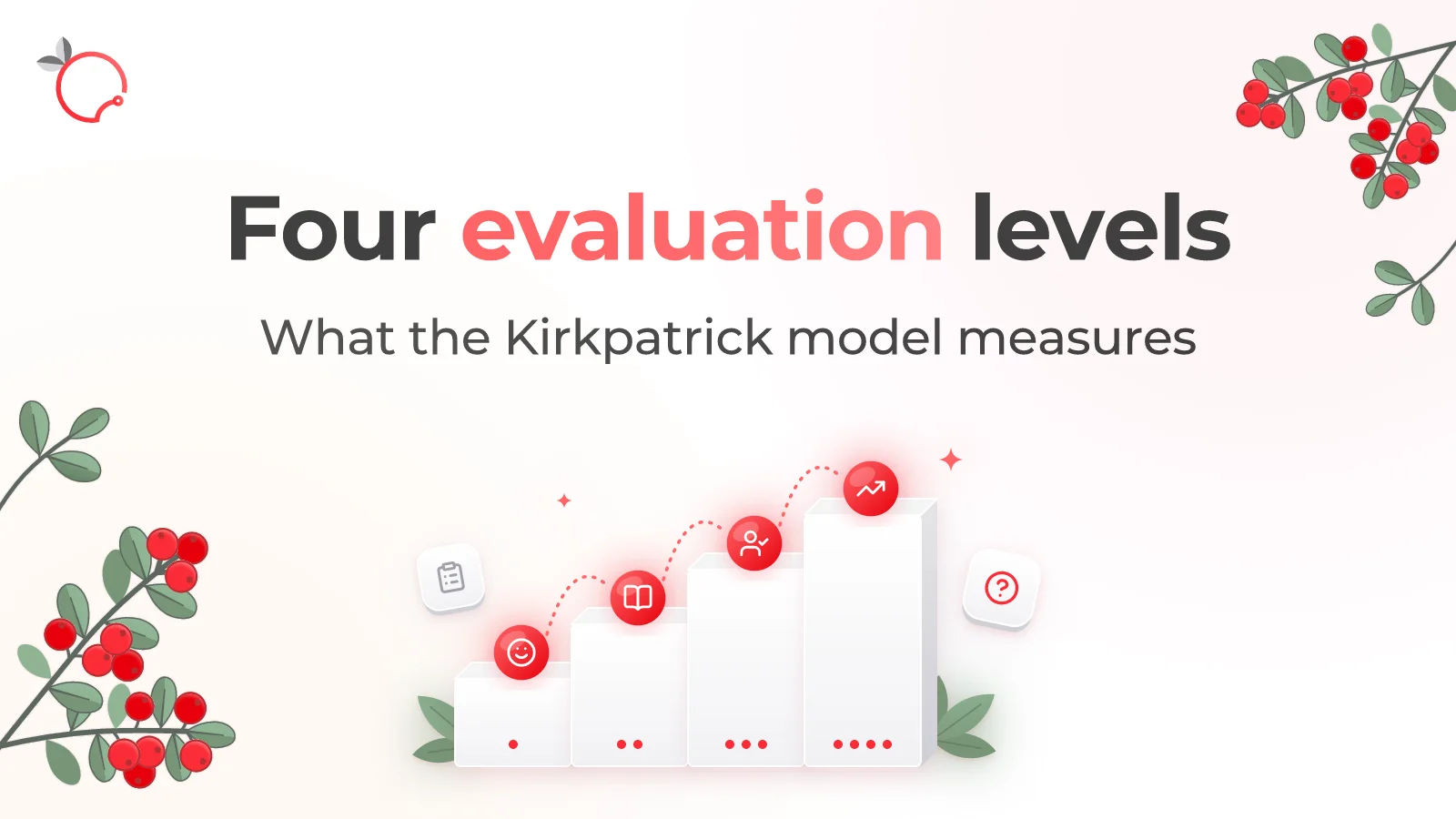
The Kirkpatrick Model: What the Four Levels of Training Evaluation Actually Measure
Read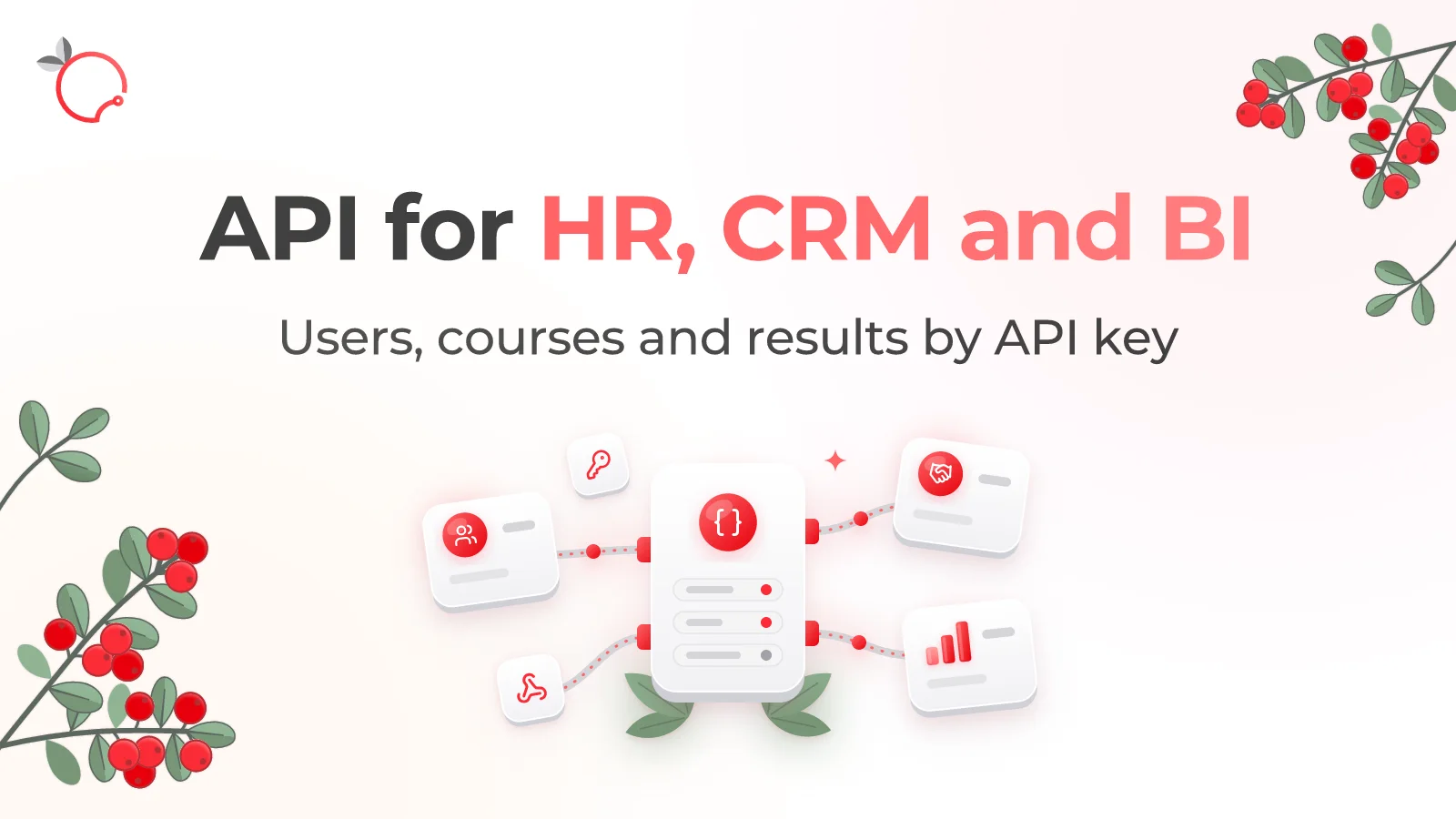
Brusnika.LMS Public API — LMS Integration with HR, CRM and BI
Read
External Learning in Brusnika.LMS: 5 Ways to Train External Users
Read