Klaviyo
Send a Training Assigned event to the employee's Klaviyo profile whenever a course is assigned in Brusnika.LMS, and optionally use Klaviyo profiles and lists as employees and departments.
Employee learning that shows up in Klaviyo
Connect Brusnika.LMS to Klaviyo and every learning assignment reaches the employee's Klaviyo profile as an event.
Use that event to start a flow, send a reminder or segment people by training. Klaviyo profiles and lists can also serve as your employees and departments.
Courses · Tests · Surveys · IDPs · Competencies · Knowledge Base · Nika.AI
What the integration gives you
Training Assigned event
When a course is assigned, Brusnika.LMS adds a Training Assigned event to the employee's Klaviyo profile.
Profiles are created automatically
If the employee has no Klaviyo profile yet, Klaviyo creates one from the email address. Roster sync is not required.
Profiles as employees
Optionally, load Klaviyo profiles that have an email address as employees you can choose when assigning learning.
Lists as departments
Klaviyo lists work as departments in the assignment picker, so you can assign learning to everyone on a list.
Use cases
New employee onboarding
Assign onboarding courses and start a welcome flow in Klaviyo from the Training Assigned event.
Reminders and follow-ups
Build a Klaviyo flow on the event to remind people about assigned training.
How to connect
1
Press Connect Klaviyo and sign in to your Klaviyo account
2
Approve the requested access
3
Assign a course to an employee in Brusnika.LMS
4
Check the Training Assigned event on the employee's Klaviyo profile
What is synchronized
| Entity | What happens |
|---|---|
| Assignments | A Training Assigned event is added to the employee's Klaviyo profile |
| Profiles | Klaviyo profiles with an email address become employees (optional) |
| Lists | Klaviyo lists are used as departments (optional) |
Klaviyo lists are synchronized as a flat list, without a hierarchy. Brusnika.LMS only reads profiles and lists and never changes them. Accounts connected before roster sync was added must reconnect to grant the extra read access.
Frequently asked questions
Keep exploring
Learning that Klaviyo can react to
Klaviyo helps teams communicate. Brusnika.LMS adds learning data to the same flows.
Articles mentioning this integration
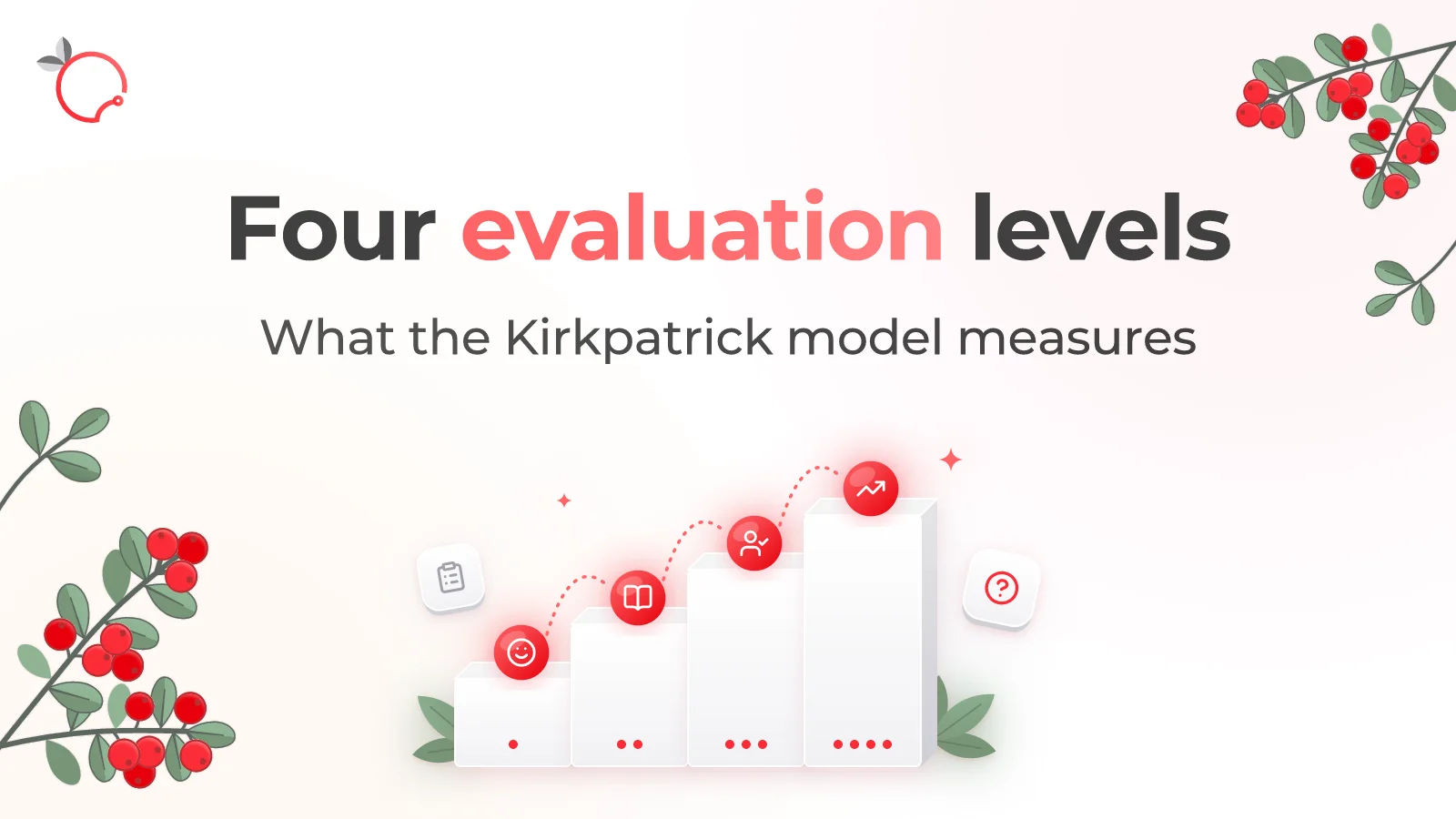
Nov 6, 2026
The Kirkpatrick Model: What the Four Levels of Training Evaluation Actually Measure
Read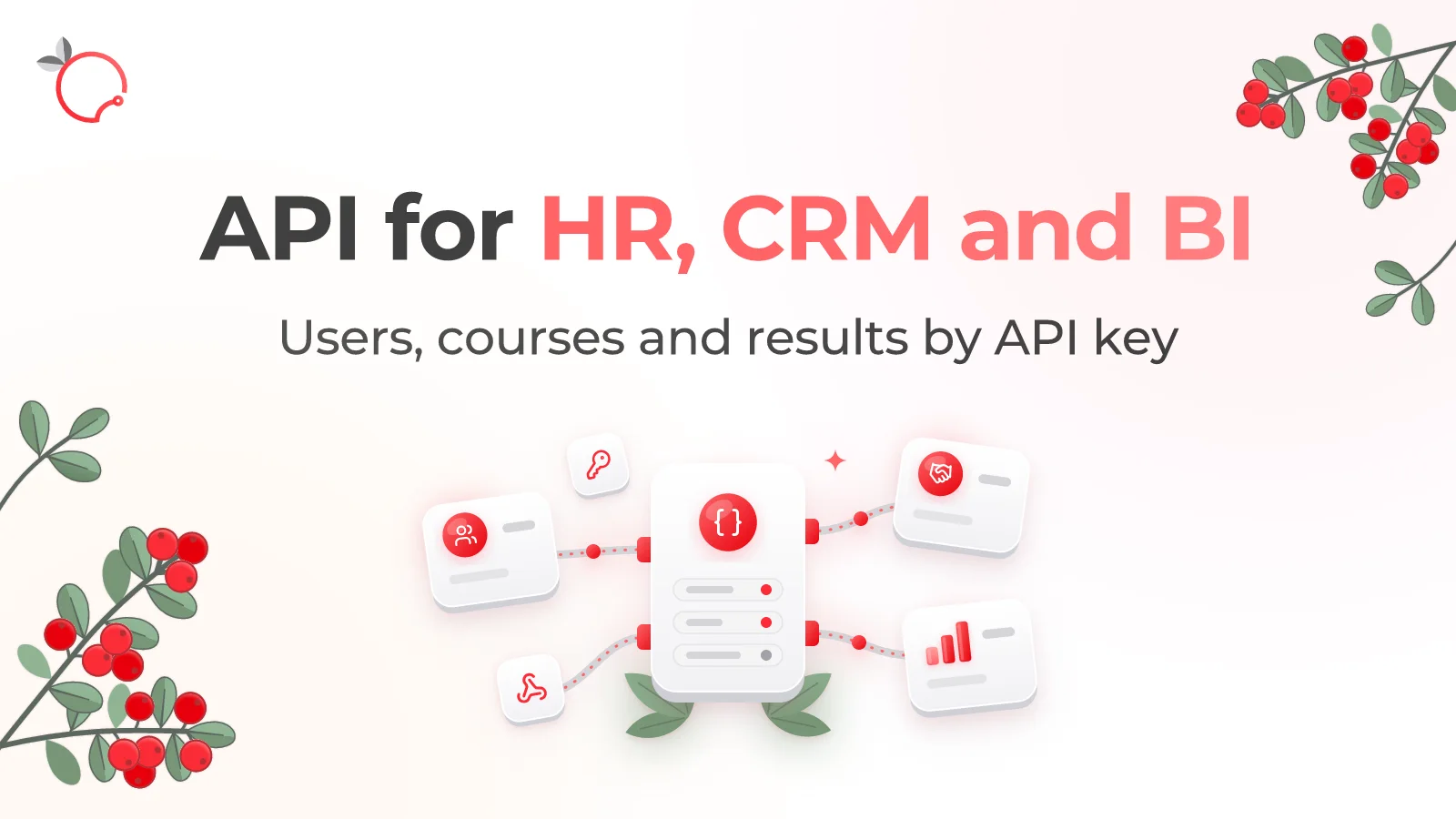
Oct 5, 2026
Brusnika.LMS Public API — LMS Integration with HR, CRM and BI
Read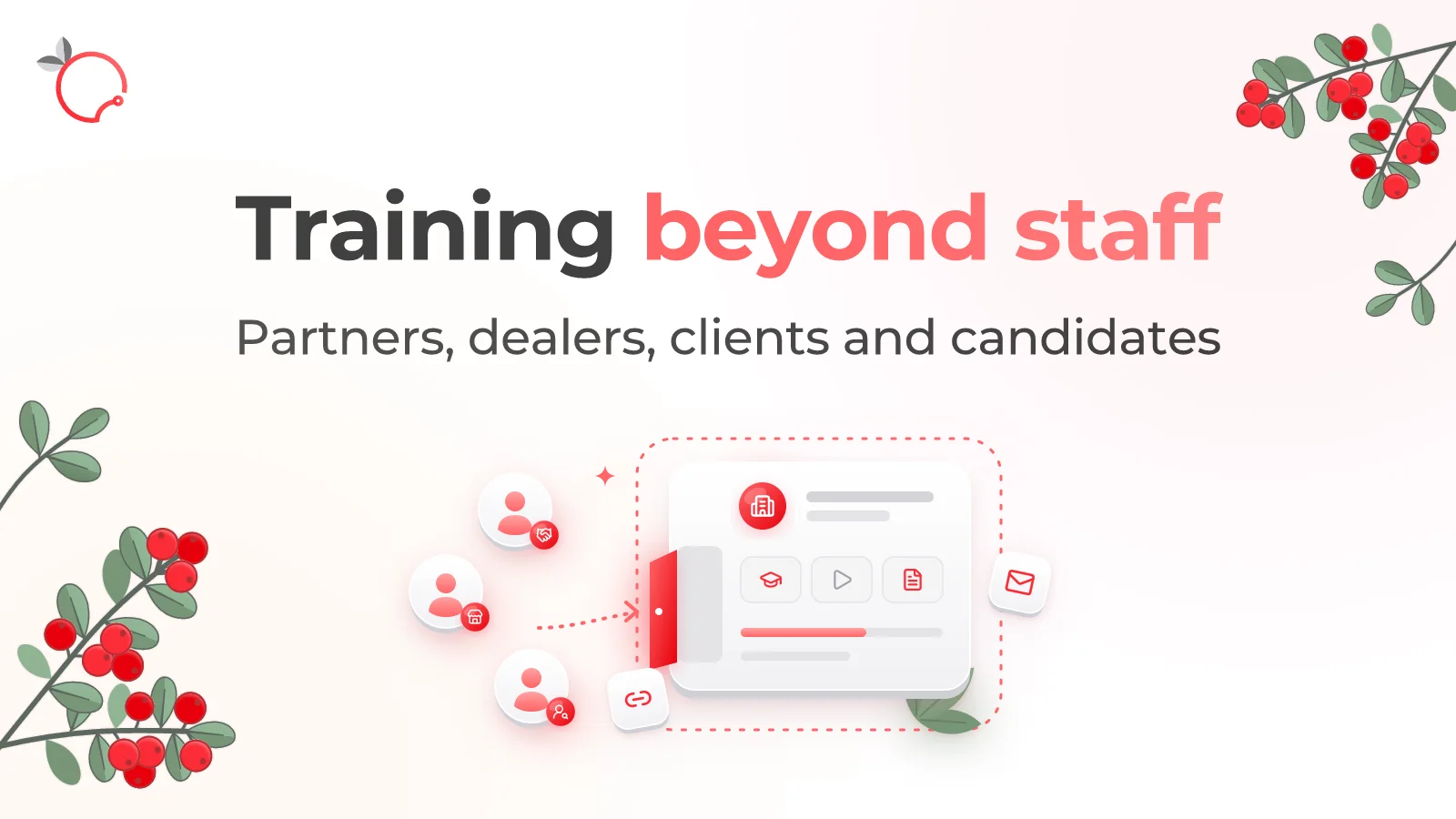
Oct 5, 2026
External Learning in Brusnika.LMS: 5 Ways to Train External Users
Read
Oct 5, 2026