HubSpot
Open Brusnika.LMS from any HubSpot record, sign in without a password and turn assigned learning into HubSpot tasks.
Employee learning, right inside HubSpot
Connect corporate learning to HubSpot and train employees where they already work.
Brusnika.LMS adds a card to HubSpot records, signs employees in without a password and turns assigned learning into HubSpot tasks.
Courses · Tests · Surveys · IDPs · Competencies · Knowledge Base · Nika.AI
What the integration gives you
Sign-in from the record card
The Brusnika.LMS card appears on contacts, companies, deals and tickets. Click "Open LMS" and the employee is signed in without a password.
Owners and teams are synchronized
Brusnika.LMS reads HubSpot owners and teams, so learning can be assigned to people and to teams without creating employees manually.
Learning becomes a task
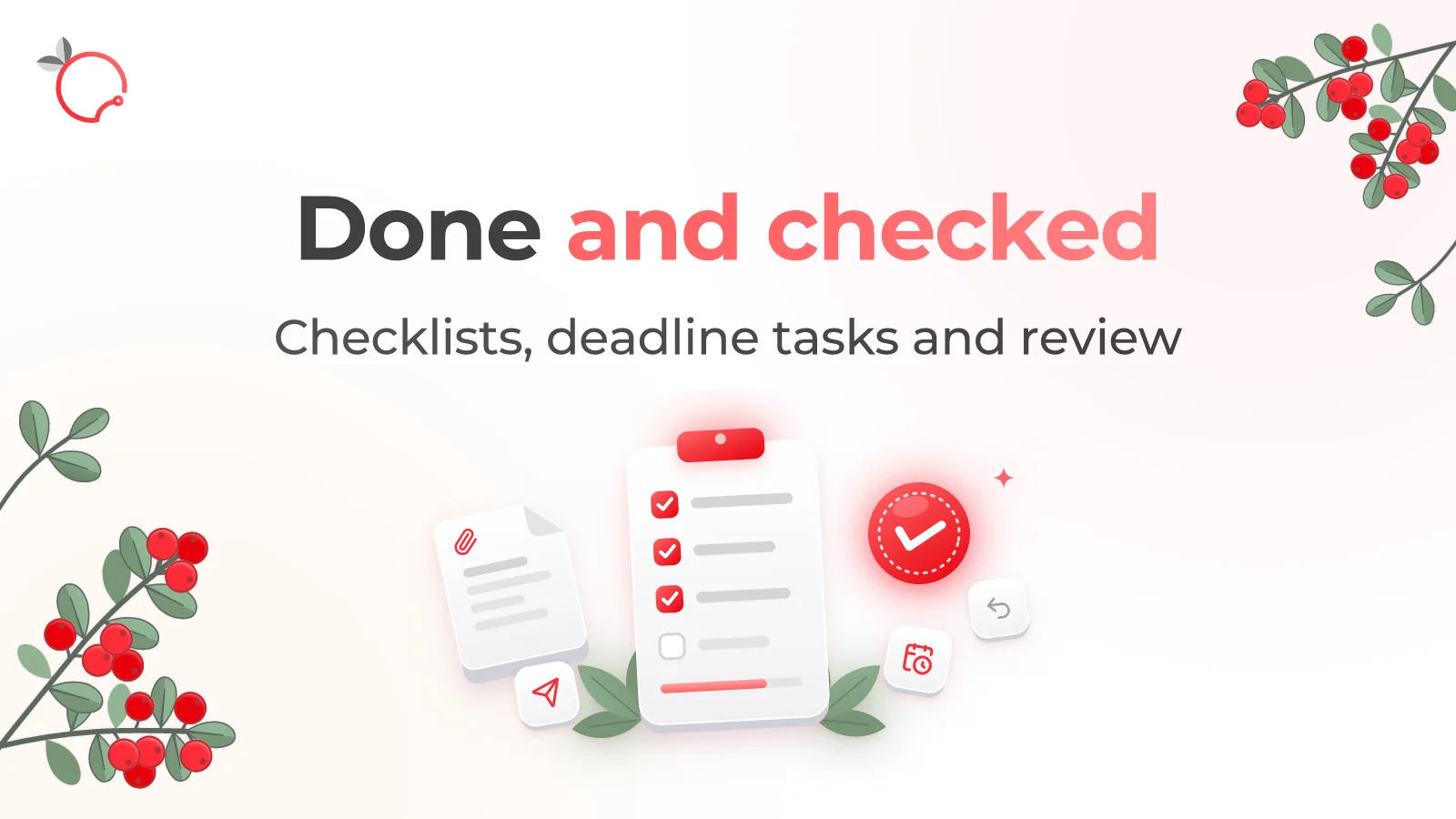
When a course or test is assigned, Brusnika.LMS creates a task in HubSpot, so learning becomes part of the employee's regular workflow.
Personal notifications
The assignee gets a due-now task, which HubSpot shows as a reminder in its usual notifications.
Signed requests
Requests from the card are signed by HubSpot and verified by Brusnika.LMS before any data is returned.
Connect from Brusnika.LMS
You can also connect the portal from the integrations catalog in Brusnika.LMS with the "Connect" button.
What is synchronized
| Entity | What happens |
|---|---|
| Employees | HubSpot owners become available for learning assignments |
| Teams | HubSpot teams are used as departments in Brusnika.LMS reports |
| Tasks | A HubSpot task is created for assigned learning |
| Notifications | New assignments appear as HubSpot reminders |
HubSpot teams are synchronized as a flat list, without a hierarchy.
Brusnika.LMS capabilities inside HubSpot
- Courses — online, classroom and blended learning
- Tests — knowledge and learning assessments
- Surveys — employee feedback and pulse surveys
- Competencies — competency models and profiles
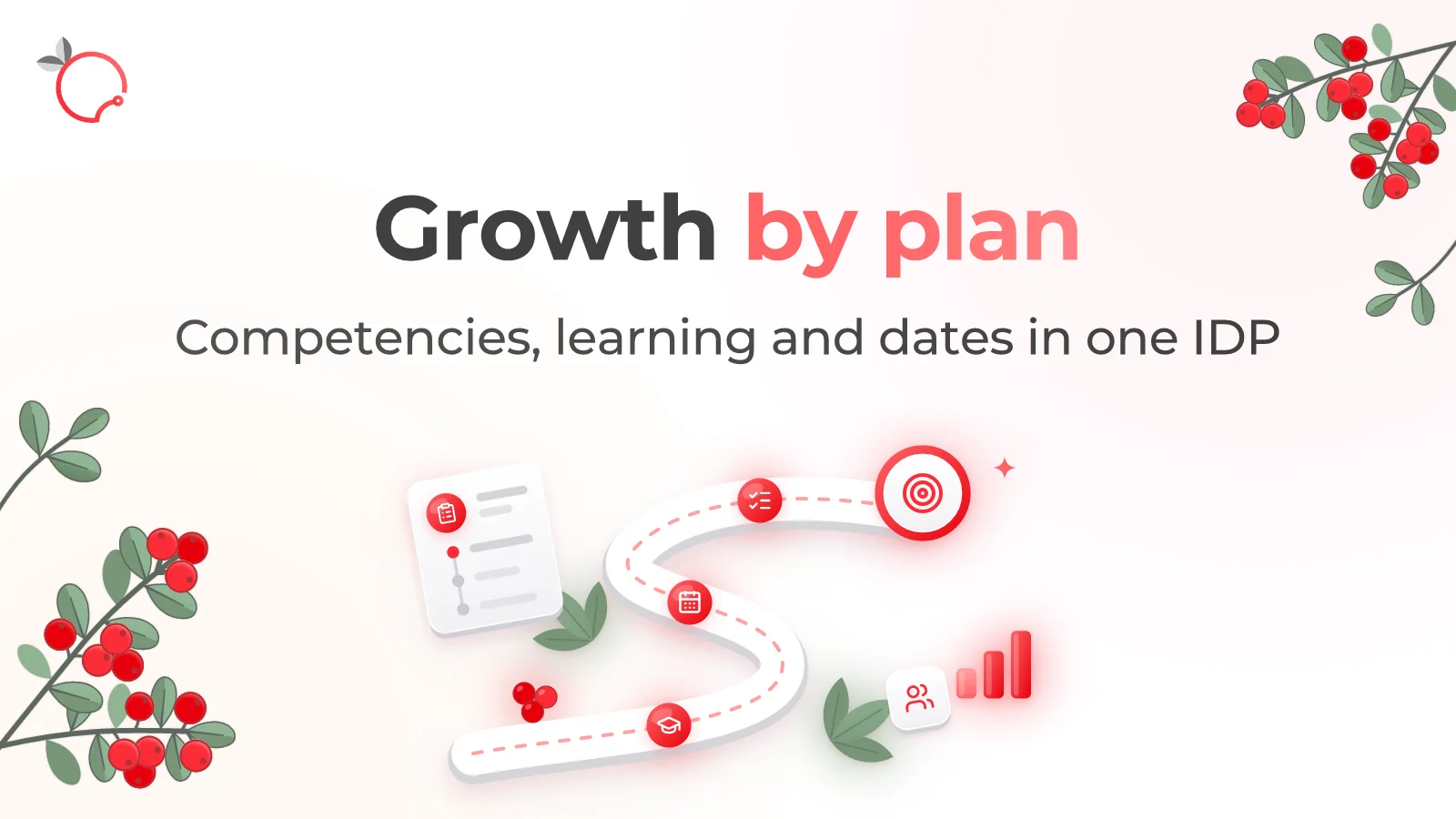
- IDPs — individual development plans
- Knowledge Base — structured corporate knowledge
- Nika.AI — AI assistant for finding and working with learning content
Use cases
New employee onboarding
Give new employees the courses and materials they need to get started, with HubSpot tasks to track progress.
Sales training
Assign product and process training to your sales team and let every rep open it from a deal or contact.
Mandatory training
Assign required courses with due dates and keep them visible as HubSpot tasks.
How to connect
1
Install the Brusnika.LMS app in HubSpot, or press Connect in the Brusnika.LMS integrations catalog
2
Approve the requested access in HubSpot
3
Add the Brusnika.LMS card to the record pages in the HubSpot page editor
4
Open the LMS from the card and start assigning learning
Until the app passes HubSpot review, HubSpot shows an "unverified app" warning. Type the phrase it asks for to continue.
Frequently asked questions
Keep exploring
Learning where work happens
HubSpot helps teams manage customers. Brusnika.LMS adds employee learning and development to that same environment.
Articles mentioning this integration
Nov 6, 2026
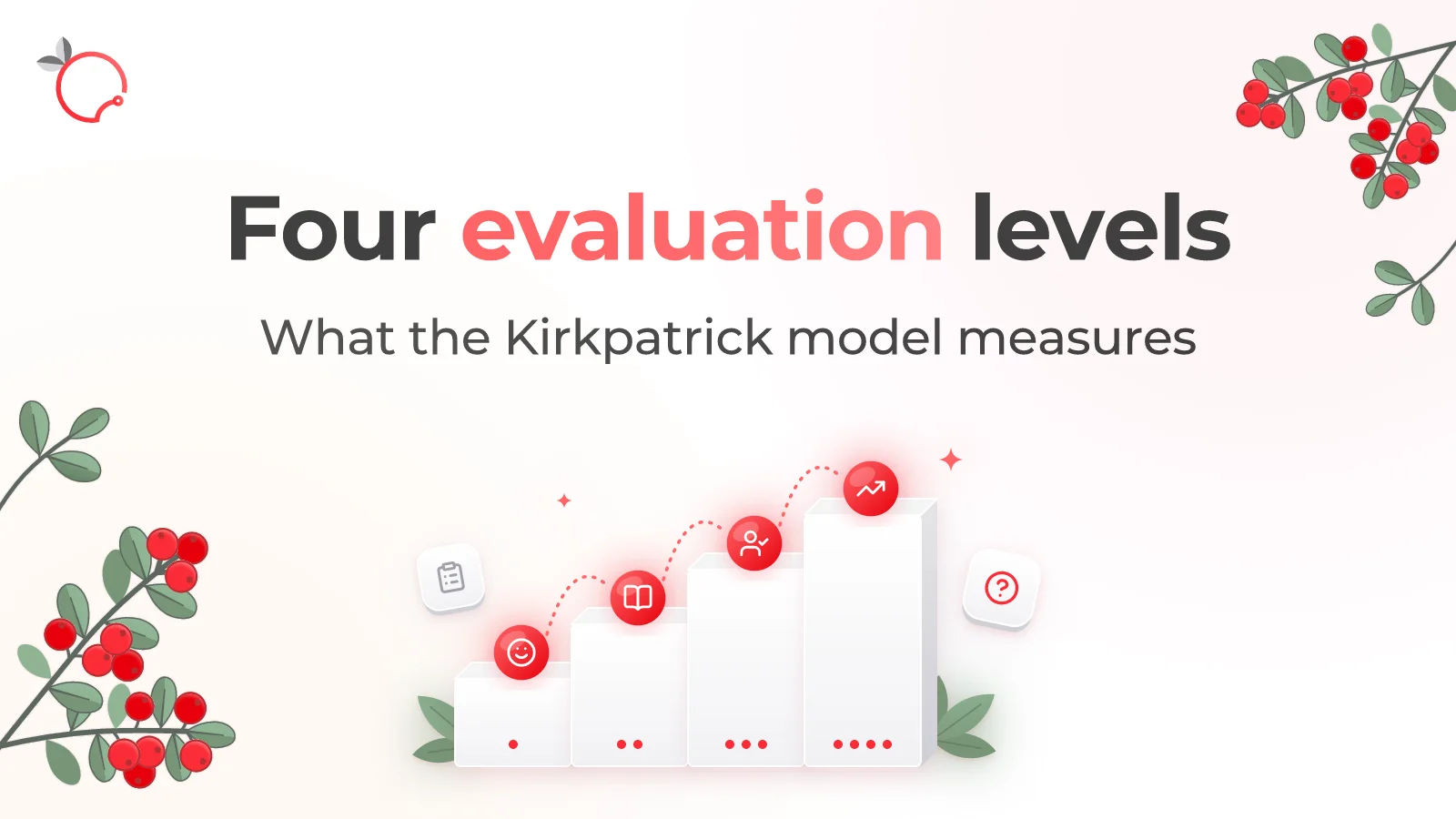
The Kirkpatrick Model: What the Four Levels of Training Evaluation Actually Measure
Read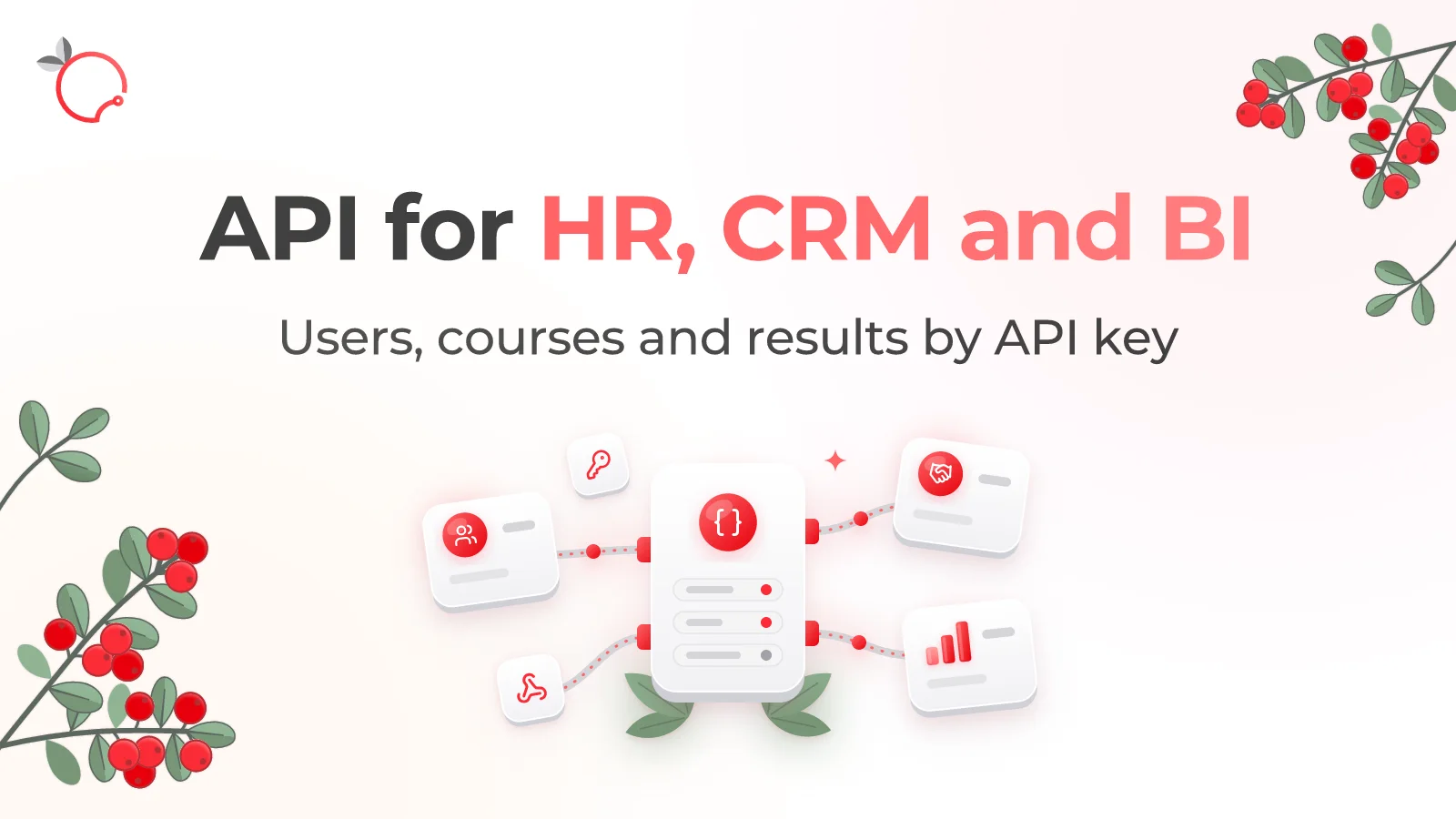
Oct 5, 2026
Brusnika.LMS Public API — LMS Integration with HR, CRM and BI
Read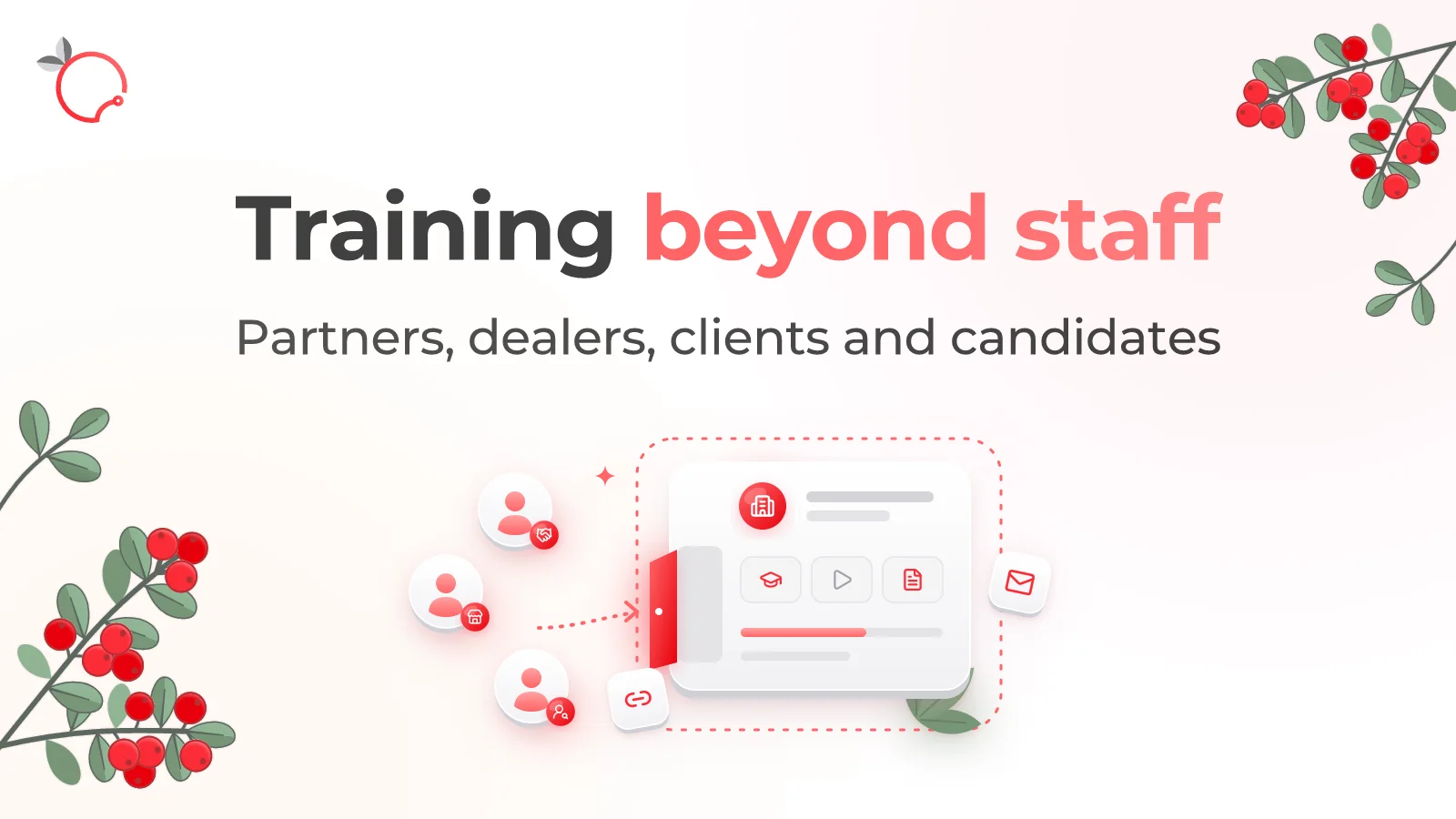
Oct 5, 2026
External Learning in Brusnika.LMS: 5 Ways to Train External Users
Read
Oct 5, 2026