Zoho People
Brusnika.LMS inside Zoho People: sign-in without a separate password, employees and departments for assigning training, and an HR Case for every assignment.
Corporate learning inside Zoho People
Connect Brusnika.LMS to Zoho People and assign training where your HR team already manages employees.
The LMS opens right in the Zoho People interface. Employees and departments come from Zoho People, so there is no need to transfer them manually.
What the integration gives you
The entire integration works through the official Zoho People API. You do not need to deploy your own server or build a data exchange on your side.
The LMS right in Zoho People
Sign-in without a separate password
Employees and departments from Zoho People
HR Case for assigned training
Use cases
How it works
Install the extension
Add the Brusnika.LMS extension to your Zoho People organization.
Set up the service in Zoho People
In Settings → Service → Custom Services, enter the address https://sa.us.brusnika-apps.com/index.php and grant permissions to the roles that need them.
Confirm access
Open the service and confirm access in a separate Zoho tab. The tab closes on its own, and the LMS in Zoho People reloads.
Assign training
Select employees and departments from Zoho People. The LMS creates an HR Case for the assignment.
What gets synchronized
| Zoho People | Brusnika.LMS |
|---|---|
| Employees: name, email, department, job title, employment status | Employee list when assigning training |
| Department structure | Department tree when assigning training |
| HR Case | Assignment of a course, test, or program |
Employees and departments are passed from Zoho People to the LMS on request, and no separate copy of these lists is stored. An HR Case, in contrast, is created from the LMS in Zoho People.
Who does what
Installs the extension, sets up the service and role permissions in Zoho People, and assigns training to employees and departments.
Opens Brusnika.LMS inside Zoho People, confirms access through Zoho once, and takes training without a separate password.
Connecting
Install the extension → add the service → confirm access → assign training.
The button below opens the Zoho consent page. After you confirm, work with the LMS inside Zoho People.
Frequently asked questions
Keep exploring
Brusnika.LMS + Zoho People
Your HR system and corporate learning in one window.
Connect the LMS to Zoho People, assign training to employees and departments, and keep HR informed about new assignments.
Articles mentioning this integration
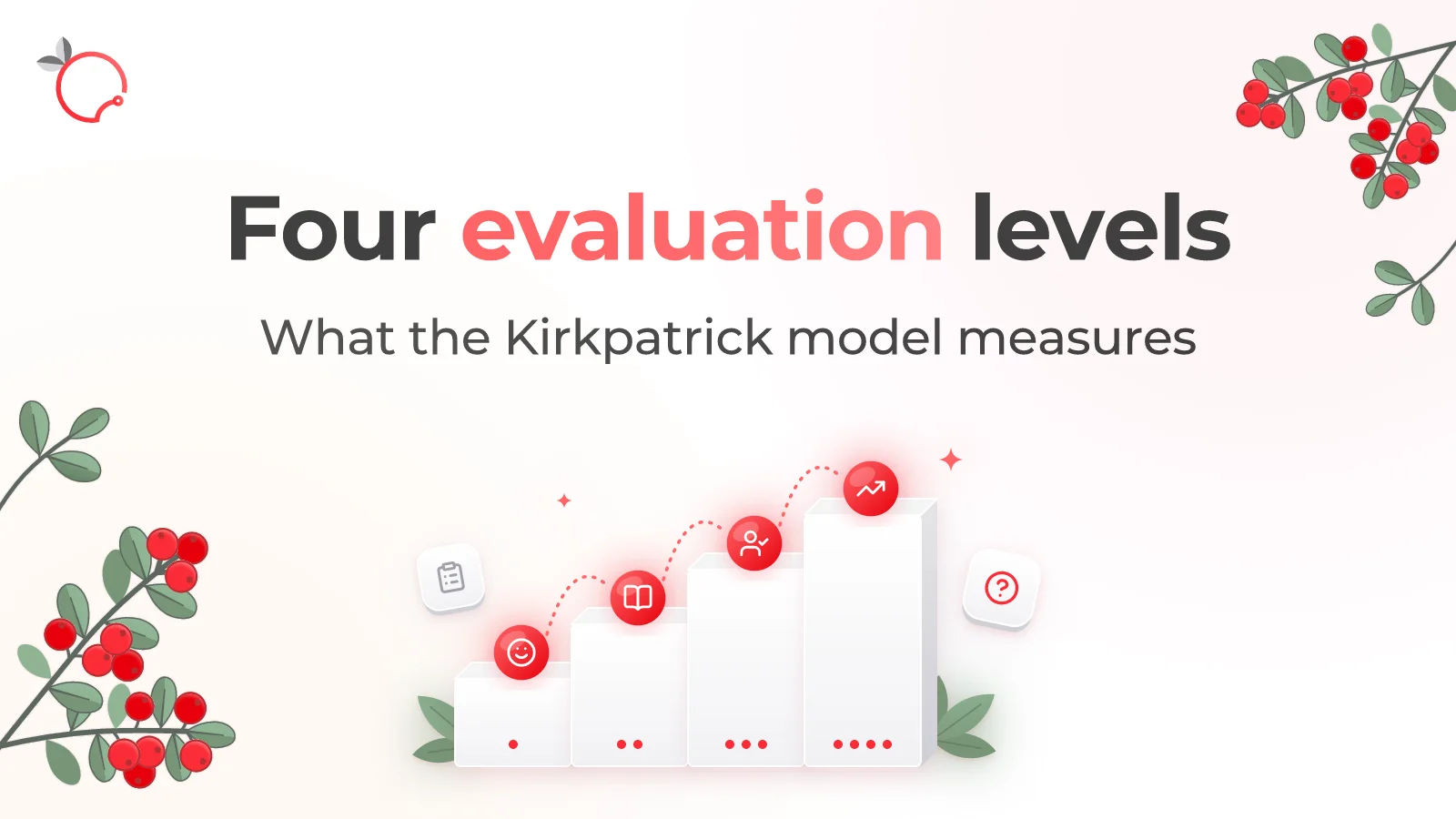
The Kirkpatrick Model: What the Four Levels of Training Evaluation Actually Measure
Read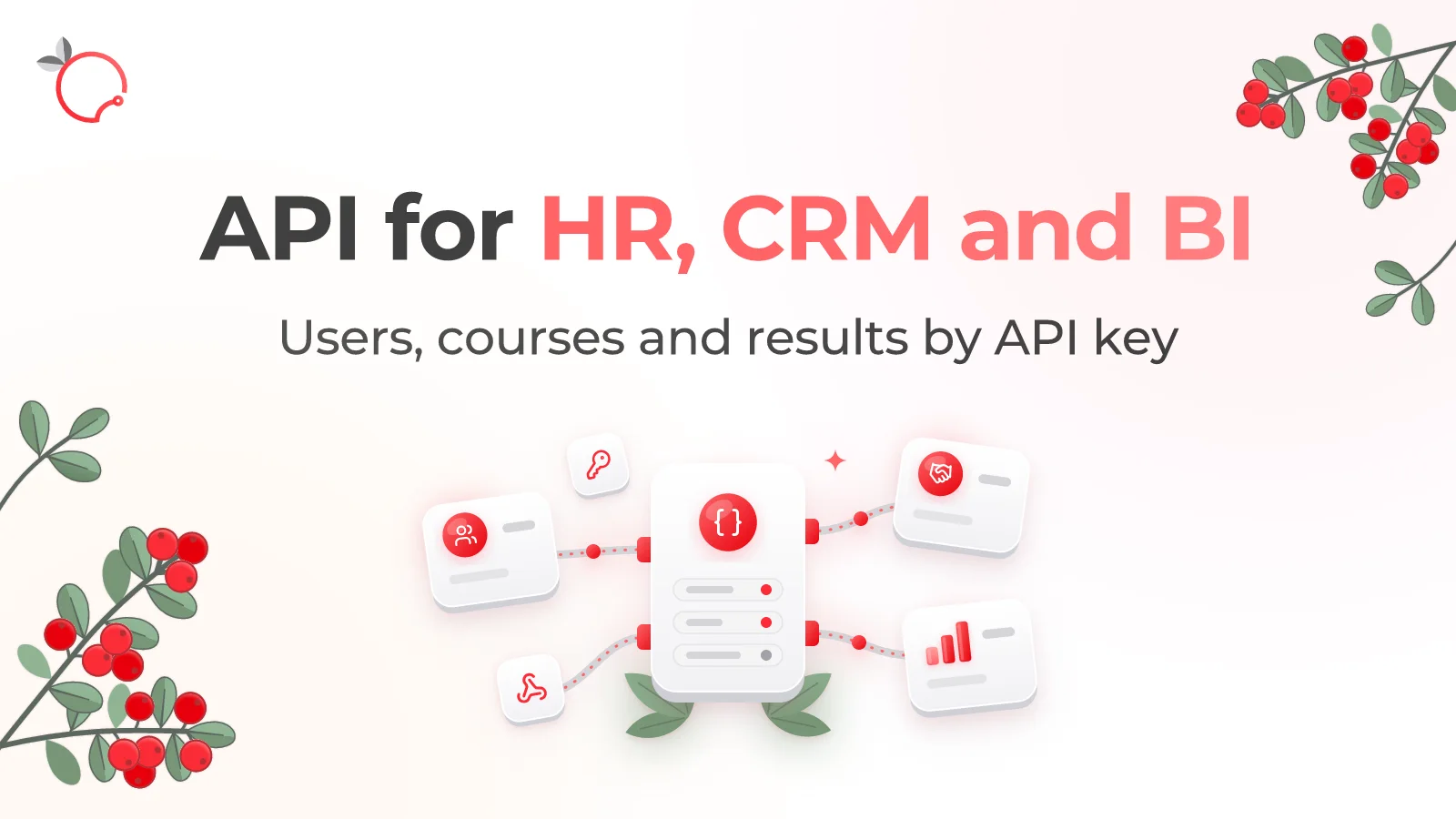
Brusnika.LMS Public API — LMS Integration with HR, CRM and BI
Read
External Learning in Brusnika.LMS: 5 Ways to Train External Users
Read