
Bitrix24
Connect corporate learning to Bitrix24 and develop employees where they work. Brusnika.LMS turns Bitrix24 into a complete LMS: courses, tests, learning assignments, and employee results are all available in one unified work environment.
Employee training right inside Bitrix24
Connect Brusnika.LMS to Bitrix24 and train employees where they already work.
Brusnika.LMS opens directly inside Bitrix24, syncs with employees, the org structure and CRM tasks, and lets you run full corporate training without a separate workspace.
Courses · Tests · Surveys · 360° Assessment · Competencies · Development Plans · Knowledge Base · Nika.AI
What the integration gives you
One shared environment
Training closer to the work
Less manual work
Results don't stay locked in the LMS
From learning to changed work
What gets synced
| Entity | What it enables |
|---|---|
| Users, reporting lines, structure | Courses and access are assigned automatically based on an employee's place in the org chart |
| Tasks | Training can be linked to Bitrix24 tasks and workflows |
| Notifications | Reminders about courses, tests and deadlines arrive through Bitrix24's own notifications |
| Calendars | Training deadlines and events sync with the employee's calendar |
| Groups and projects | Training is assigned to a whole group or project team at once, not employee by employee |
What you can do with Brusnika.LMS inside Bitrix24
The platform supports every key e-learning format: uploading SCORM packages, interactive H5P modules, and building your own long-reads in the built-in editor.
Inside your workspace you get:
- Training — online, in-person and blended learning formats.
- Testing — knowledge checks and competency assessment tools.
- 360° assessment — comprehensive feedback from managers, peers and direct reports.
- Surveys — pulse surveys, engagement research and opinion collection.
- Knowledge base — structured storage for corporate information.
- Employee development — managing competencies, job profiles, individual development plans (IDPs) and career paths.
Usage scenarios
Onboarding a new hire
Training the sales team
Mandatory training
Keeping knowledge current
Individual development
How to connect
Via the Marketplace
Install the "Brusnika.LMS" app from the Bitrix24 marketplace — the integration is set up in a few minutes right from your portal.
Direct integration with Bitrix24
Connect Brusnika.LMS to your Bitrix24 directly, without installing an app from the Bitrix24 Marketplace. Employees continue working in their familiar environment, while the LMS gains access to users, company structure, tasks, calendar, notifications, and workgroups.
Benefits
- No Bitrix24 Marketplace subscription required.
- Works with your existing Bitrix24 portal.
- Keeps employees and organizational structure synchronized.
- Supports tasks, calendar, notifications, and workgroups.
How to Connect
- Sign up for Brusnika.LMS
- Go to Moderator → System Management → Bitrix24 Webhooks.
- Follow the built-in step-by-step instructions to configure the integration.
The setup only needs to be completed once by the Bitrix24 portal administrator and takes approximately 15–20 minutes.
Server version
For the on-premise (server) edition of Bitrix24, the integration is deployed on your own infrastructure. See the server version page for details.
Pricing
Pricing depends on the number of users and the features you choose. Current plans are on the pricing page.
FAQ
Articles mentioning this integration
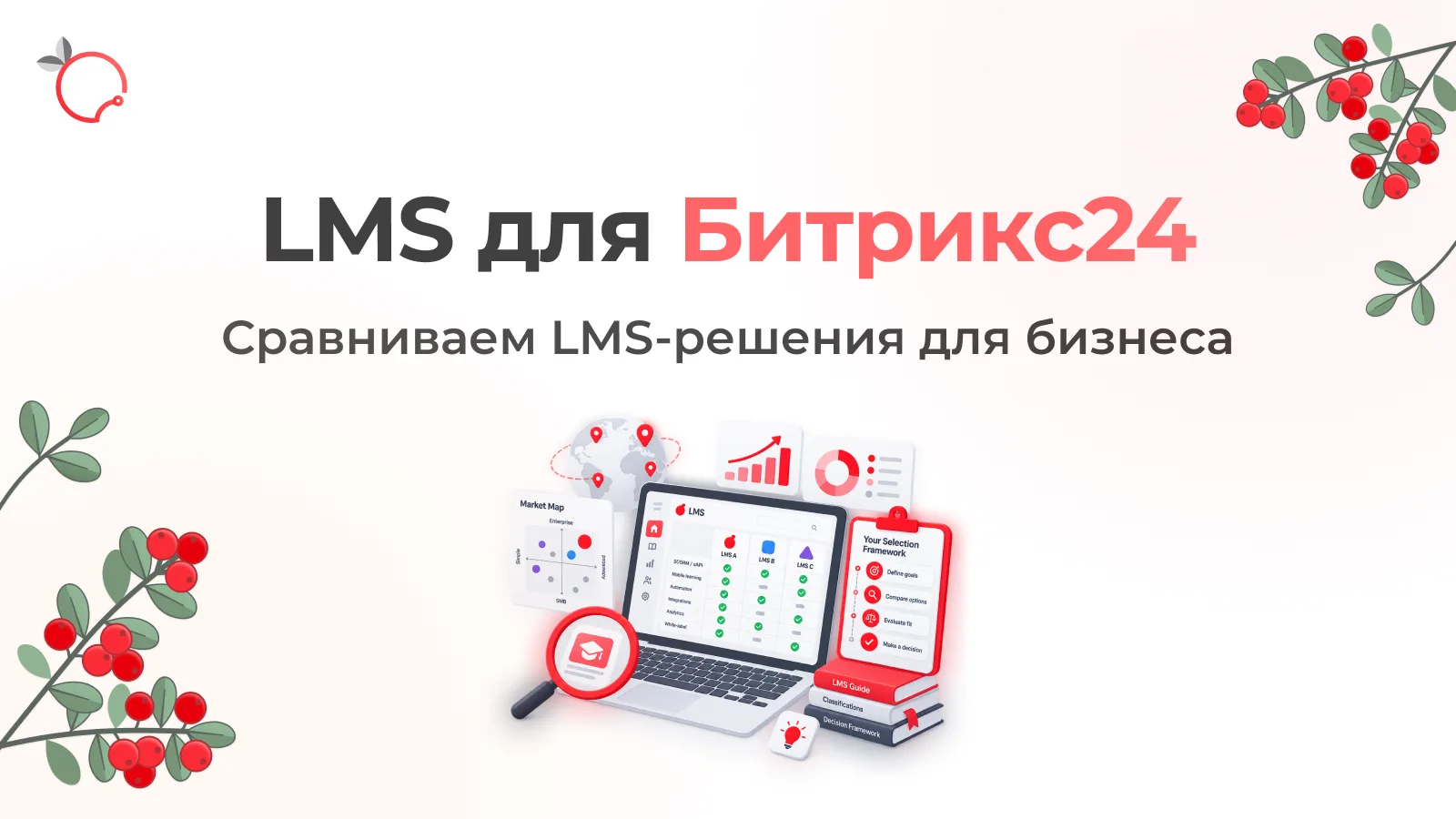
LMS in Bitrix24: Employee Training Solutions Overview
Read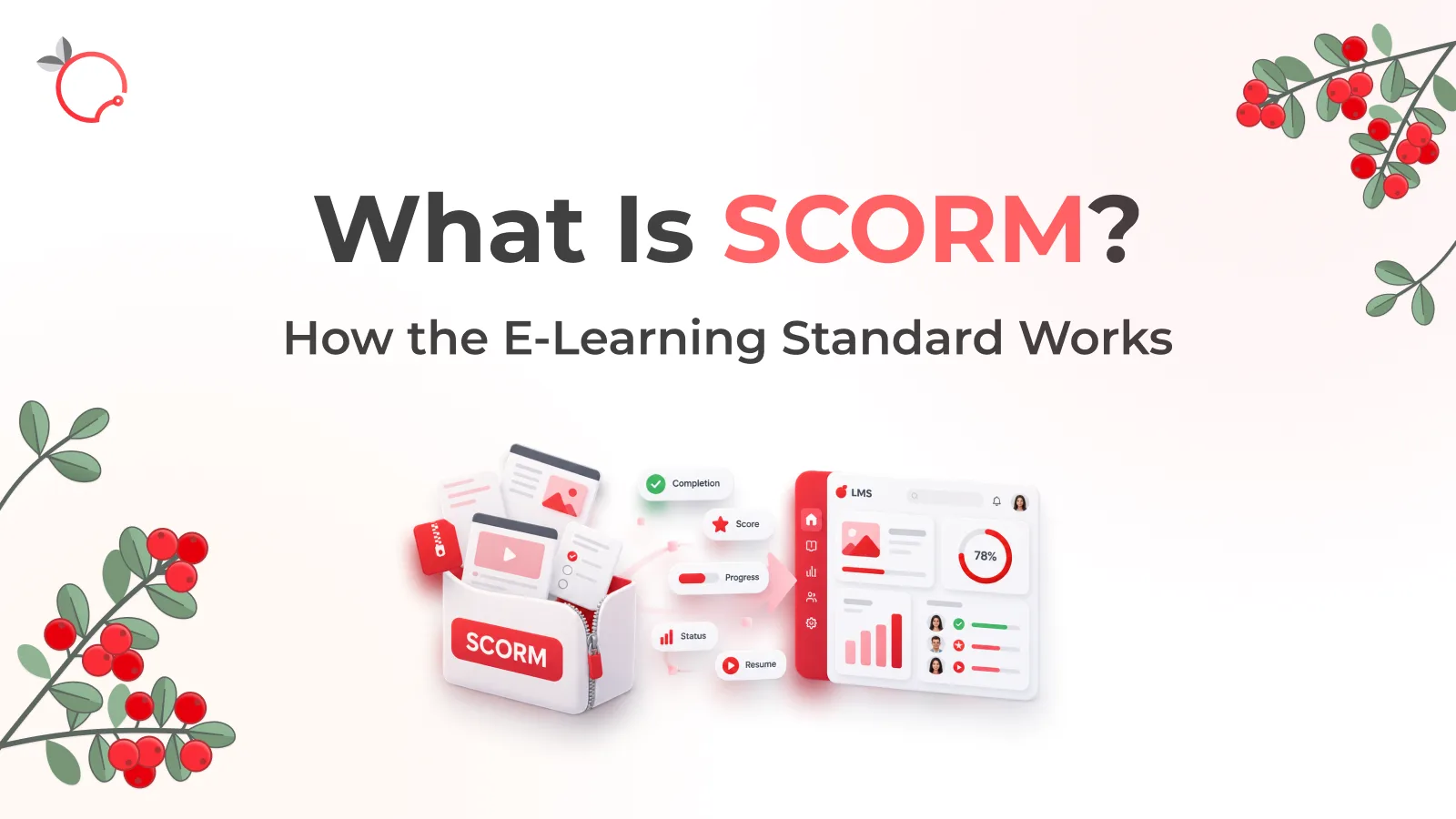
What Is SCORM? How the E-Learning Standard Works
Read
How Insurance Company D2 Built a New-Hire Training System with Brusnika.LMS: Automated Onboarding and Higher Efficiency
Read