Free Online Tools for Creating E-Learning: An Overview of Brusnika Authoring Tools
Artur Yakhin
Fullstack Developer Brusnika.LMS
Creating e-learning materials does not always require complex professional software. In many cases, a browser-based builder is enough: it lets you prepare learning content, add interactivity, assess knowledge, and export the finished material in a format compatible with a learning management system.
Brusnika Authoring Tools is a set of free online tools for creating e-learning content. It includes builders for longreads, interactive courses based on PowerPoint, quizzes, and branching situational scenarios.
The tools are designed for learning and development (L&D) specialists, teachers, instructional designers, e-course authors, and subject-matter experts who develop learning materials on their own.
The main idea behind Brusnika Authoring Tools is to make it possible to create different e-learning formats directly in the browser, without installing specialized software.
Finished materials can be exported to SCORM 1.2, SCORM 2004, or HTML and used in learning management systems or launched on their own.
What tasks Brusnika Authoring Tools solve
E-learning content comes in many forms. One material is best presented as a sequential article with illustrations. Another works as an interactive presentation. A quiz is needed to assess knowledge, and a situational scenario is needed to practice real-world decisions.
That is why Brusnika Authoring Tools offers several specialized tools.
| Tool | What it is for | Result |
|---|---|---|
| Longread Builder | Creating structured learning materials | Interactive longread |
| Interactive | Turning PowerPoint into an interactive course | Interactive SCORM course |
| Quiz Builder | Creating quizzes and assessment tasks | Interactive quiz |
| Branching Scenarios | Creating scenarios with different decision paths | Situational simulator |
Instead of a universal editor that tries to solve every task at once, the user picks the tool that fits the specific format of the learning material.
1. Longread Builder: creating e-learning materials
Longread Builder is designed for creating structured e-learning materials in the longread format.
A longread is a sequential learning material in which text, images, multimedia, and interactive elements are combined into a single structure.
This format is suitable for:
- instructions and procedures;
- introductory learning materials;
- product training;
- reference materials;
- explaining complex professional topics;
- self-paced learning of new knowledge.
Unlike an ordinary text document, an e-learning longread lets you organize material as a sequence of meaningful blocks and makes studying the information more convenient.
Longread Builder is part of the Brusnika Authoring Tools lineup and complements the other tools focused on interactive tasks and knowledge assessment.
2. Interactive: creating interactive courses from PowerPoint
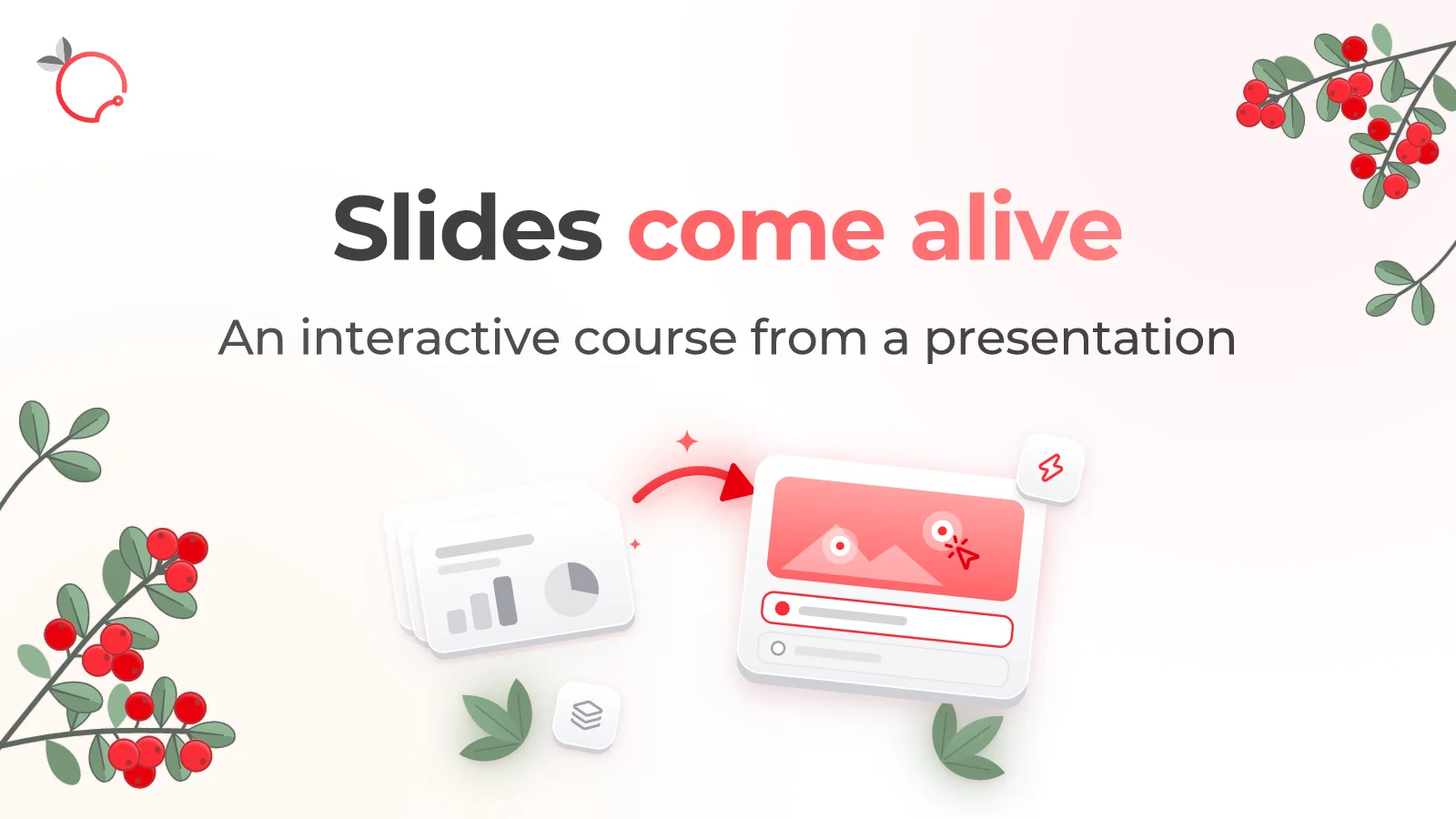
Brusnika Interactive lets you turn an existing PowerPoint presentation into an interactive e-learning course.
This is especially useful for organizations that have accumulated many training presentations and want to use them for employee self-paced learning.
Instead of building a course from scratch, the author uploads a PPTX presentation and adds interactive objects, tasks, animations, and navigation logic on top of the slides.
Key features
Interactive supports 20 element types, including:
- text blocks, images, shapes, and tables;
- buttons and interactive areas;
- pop-up windows;
- cards with various display options;
- sliders and “Before and after” elements;
- multiple-choice tasks;
- matching and sequencing tasks;
- text and numeric input;
- drag-and-drop objects;
- finding areas on an image.
Variables, conditions, rules for automatic actions, and animations are also available.
For example, you can create an interactive information security course by adding questions about phishing emails, threat recognition tasks, and explanations for incorrect answers to a presentation.
Export
The finished project can be exported to:
- SCORM 1.2;
- SCORM 2004;
- HTML.
The SCORM package passes completion status, score, and course state, including the bookmark and data for resuming learning.
Who it is for: instructional designers, L&D specialists, and course authors who want to use existing presentations to create interactive e-learning.
3. Quiz Builder: creating online quizzes
Brusnika Quiz Builder is designed for creating standalone e-learning quizzes and assessment tasks.
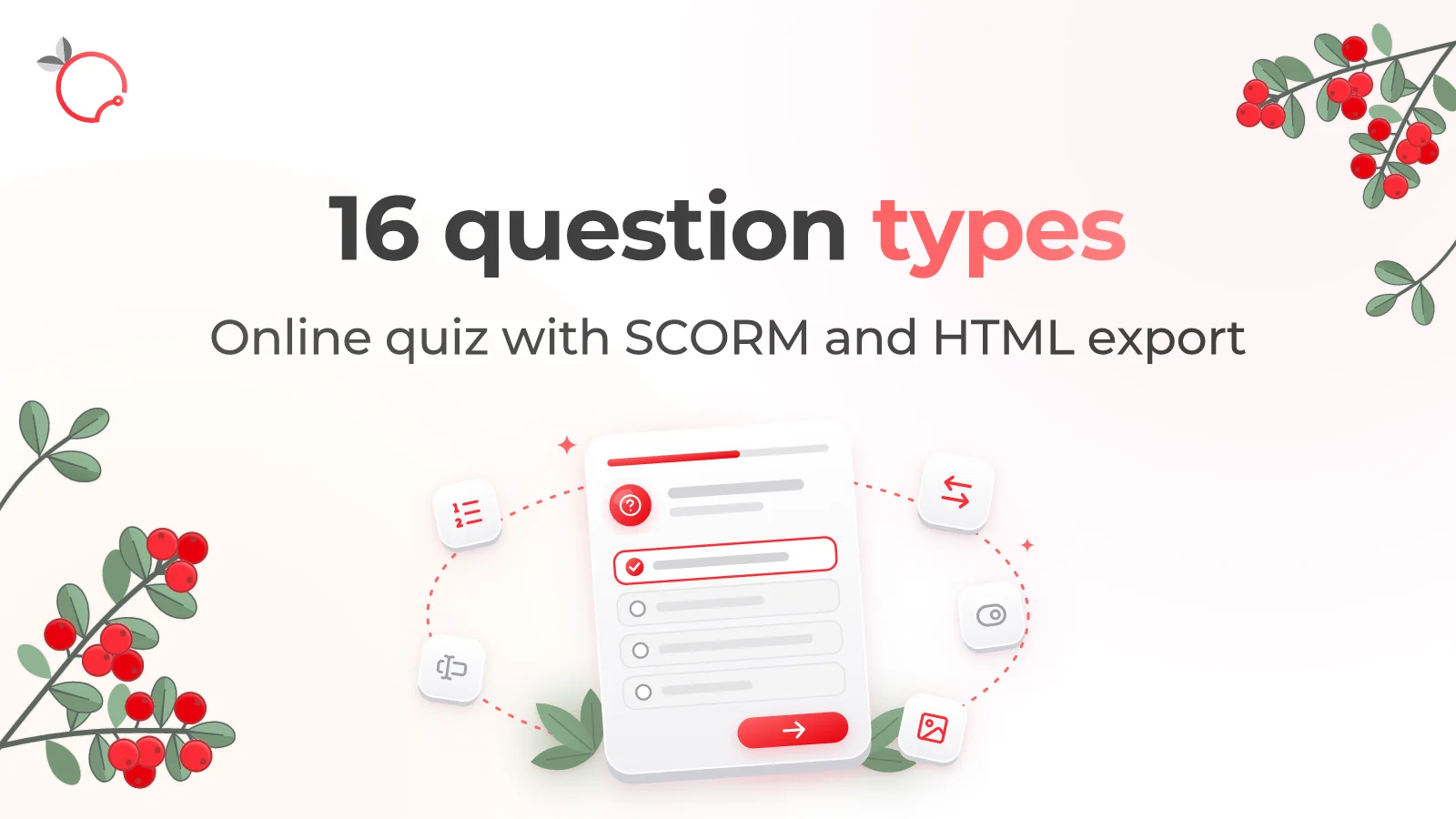
Its distinguishing feature is an extended set of question types. Unlike simple builders that offer only a choice of one or several answer options, Quiz Builder supports 16 task types.
Key features
The builder offers:
- one or several correct answers;
- true/false;
- image choice;
- matching;
- ordering;
- timeline (Timeline);
- sorting into categories;
- dragging objects onto an image;
- finding areas on an image (Hotspot);
- fill in the blanks;
- text answer;
- several text fields (Multitext);
- labels for image areas (Labeling);
- highlighting text fragments (Highlight);
- numeric answer.
A single quiz can contain up to 100 questions.
Each question can be configured with a weight, hints, explanations, and feedback. The author can also set the passing score, the number of attempts, and how questions are displayed.
Use cases
Quiz Builder is suitable for:
- a final knowledge check after an e-course;
- testing on internal policies and procedures;
- checking knowledge of products and services;
- occupational safety training;
- checking professional knowledge;
- assessing how well instructions have been understood.
For example, an industrial safety quiz can include questions on choosing the correct actions, finding hazardous areas on an image, putting operations in sequence, and classifying objects.
Export
The quiz is exported to SCORM 1.2, SCORM 2004, or HTML.
The SCORM package passes the final score, completion status, and data on individual questions through SCORM interactions.
Who it is for: L&D specialists, teachers, instructional designers, and experts who need to create diverse quizzes for self-paced learning and knowledge assessment.
4. Branching Scenarios: creating situational simulators
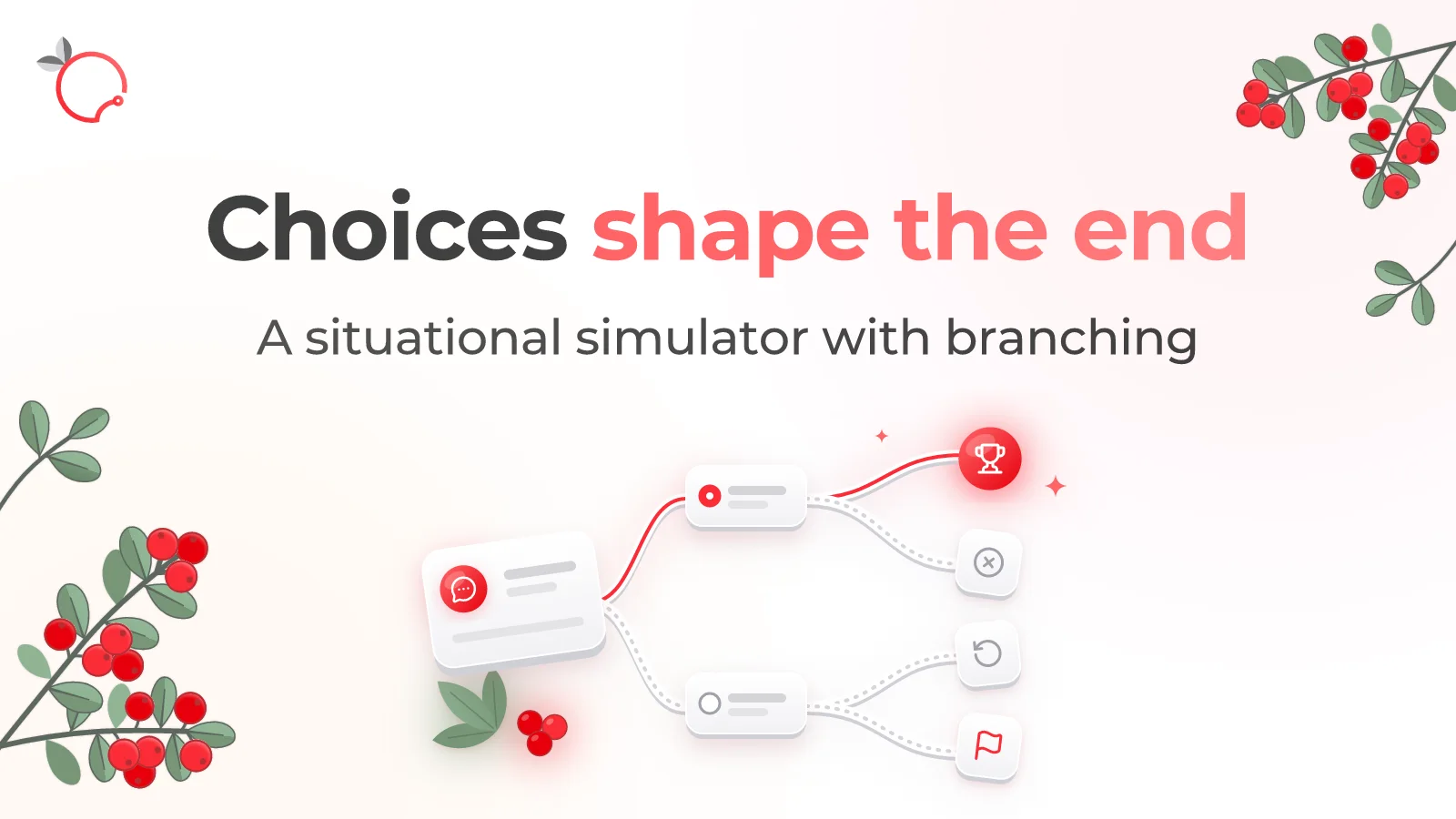
Brusnika Branching Scenarios is designed for creating interactive learning scenarios in which the learner’s decisions determine how the situation develops.
This is scenario-based learning: learning built on simulating practical situations.
Unlike an ordinary quiz, here the user does not simply choose the correct answer. They make decisions, face their consequences, and go through different possible courses of events.
Key features
The author creates a visual scenario map made up of scenes and endings.
Each scene can include:
- a description of the situation;
- the speaker’s name;
- an image;
- a character;
- up to six action options.
Variables, conditions, and effects are used to model consequences.
For example, in a sales training scenario, you can track the client’s level of trust or satisfaction with the interaction. Choosing certain actions changes the values of these indicators, and subsequent scenes and available decisions can depend on those changes.
A single project supports up to 80 scenes and up to ten variables.
There are three modes for determining the result: by scenario completion, by the outcome of the ending, or by the value of a selected indicator.
Use cases
Branching scenarios are suitable for simulating:
- negotiations with clients;
- handling objections and complaints;
- conflict situations;
- management decisions;
- information security situations;
- performing work procedures and policies.
For example, you can present a manager with a simulated conflict between employees and let them choose how to resolve it. Depending on the decisions, further events and the final result will change.
Export
The scenario can be exported to SCORM 1.2, SCORM 2004, or HTML.
The package passes completion status, progress, and the indicators defined in the scenario to the LMS.
Who it is for: specialists in manager training, sales, customer service, security, and other areas where practicing decision-making is important.
Open Brusnika Branching Scenarios
Which tool to choose for your task
The choice depends on what kind of learning material you want to create and what result you want to get.
| Your task | Suitable tool |
|---|---|
| Prepare an e-learning material from text and multimedia | Longread Builder |
| Turn a PowerPoint presentation into an interactive course | Interactive |
| Create a quiz with different task types | Quiz Builder |
| Simulate a work situation with several decision options | Branching Scenarios |
| Check knowledge after a course | Quiz Builder |
| Teach an employee to make decisions in a difficult situation | Branching Scenarios |
| Use an existing presentation for self-paced learning | Interactive |
The tools do not compete with each other: they solve different tasks and can be used together.
How to combine the tools into a single training program
Brusnika Authoring Tools can be used not only separately but also as a toolkit for preparing different stages of training.
For example, when developing a new-hire onboarding program, you can build the following sequence.
Stage 1. Studying the material
Create a longread with core information about the company, its products, rules, and work processes.
Stage 2. Taking the interactive course
Use Interactive to turn presentations about products, technologies, or internal procedures into interactive learning materials.
Stage 3. Knowledge check
Create a quiz in Quiz Builder to assess how well the employee has absorbed the material.
Stage 4. Decision-making practice
Prepare a situational scenario in Branching Scenarios so the employee can practice actions in typical work situations.
In this way, different learning content formats support different stages of the learning process: study, reinforcement, knowledge assessment, and practice.
SCORM export and use in learning management systems
One of the common features of Brusnika Authoring Tools is the ability to export the materials you create to SCORM 1.2 and SCORM 2004.
SCORM (Sharable Content Object Reference Model) is a standard that allows learning materials to be exchanged between authoring tools and learning management systems.
This means that a course or quiz you create does not have to be used only in the system where it was developed.
The author can prepare a material in Brusnika Authoring Tools, download the SCORM package, and upload it to an LMS that supports the corresponding standard.
Depending on the tool and the package format, the learning system can receive:
- completion status;
- final score;
- learning progress;
- a bookmark for resuming;
- data on the completion of individual tasks or scenario indicators.
All three tools, Interactive, Quiz Builder, and Branching Scenarios, also support HTML export.
HTML packages can be used on their own, without LMS integration.
Is registration required to use Brusnika Authoring Tools?
The tools work directly in the browser and do not require registration or installation of specialized software.
For Interactive, Quiz Builder, and Branching Scenarios, the following general project rules apply:
- a created project is available for editing for 72 hours after creation;
- making changes does not extend the project’s availability period;
- the exported ZIP package stays with the author;
- the package contains its own player and does not require a constant network connection to be completed.
The players support 18 interface languages. The author selects the player language when creating a project and fills in the learning content on their own.
This makes it possible to create learning content for different language audiences.
Brusnika Authoring Tools and professional e-course development systems
The market offers professional e-learning authoring tools, such as iSpring Suite and Articulate Storyline.
They provide broad capabilities for developing complex interactive courses, advanced animation, and scenarios.
Brusnika Authoring Tools solves somewhat more specific tasks: it lets you quickly prepare common e-learning content formats using browser-based tools.
Key features of the set:
- no software installation;
- no mandatory registration;
- specialized tools for different content formats;
- export to SCORM and HTML;
- the ability to use existing PowerPoint presentations;
- support for a wide variety of quiz task types;
- a visual editor for branching scenarios.
This is not an attempt to replace all professional e-learning development tools with a single product. Rather, it is an accessible set of tools for tasks that learning specialists and teachers face regularly.
Frequently asked questions
Try Brusnika Authoring Tools
Creating e-learning does not have to start with buying complex software or spending a long time mastering a professional editor.
Choose the material format you need, open the corresponding tool, and prepare your own learning content.
Brusnika Authoring Tools: tools for creating e-learning, available right in your browser.
Create learning materials, export them to SCORM or HTML, and use them in your learning system.