Kommo
Launch sales training and onboarding right inside Kommo — next to deals, tasks and customer cards.
Employee training right inside Kommo
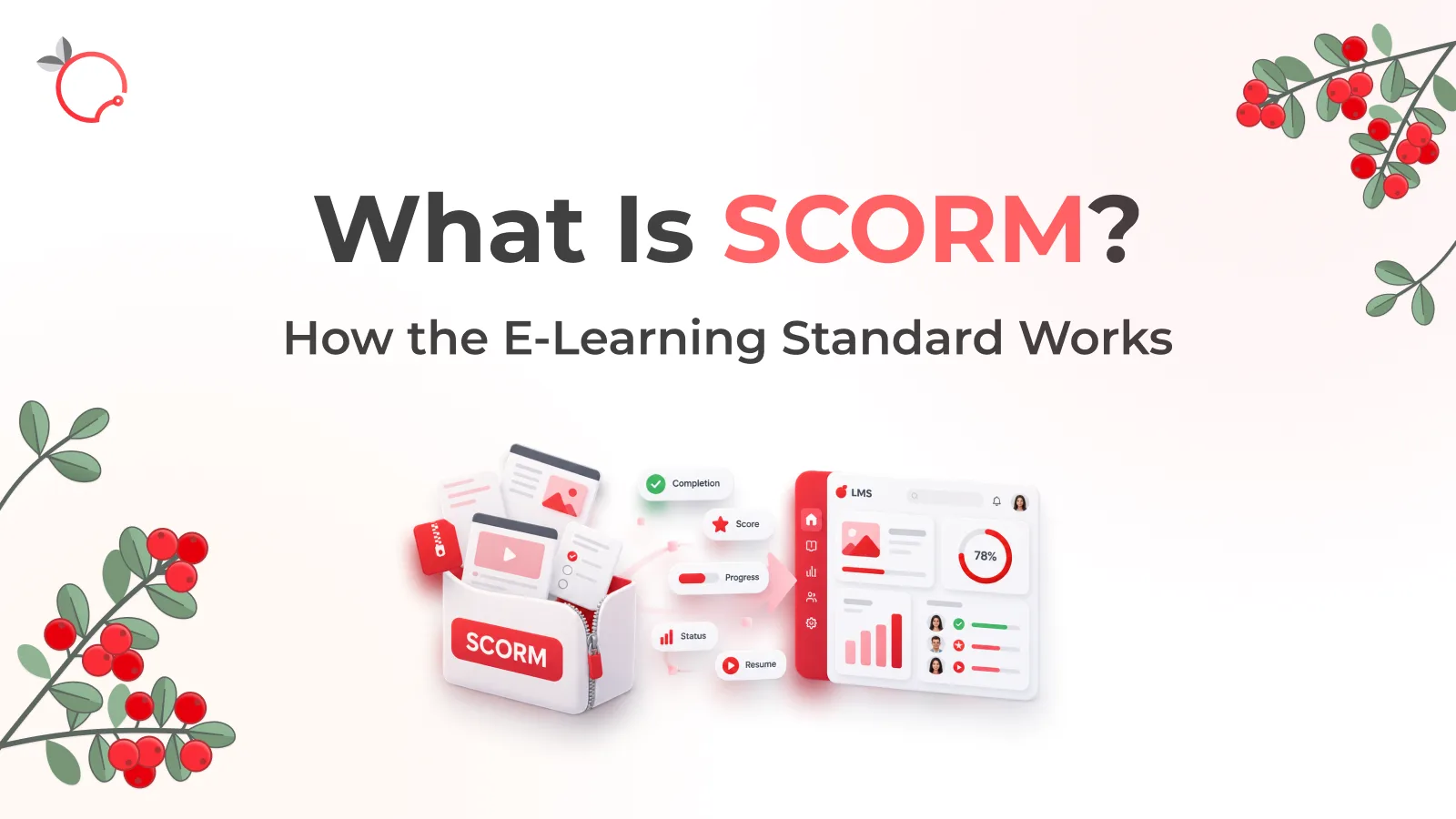
Connect Brusnika.LMS to Kommo and manage employee training and onboarding without a separate learning workspace.
Brusnika.LMS is embedded directly into the Kommo interface. Users and groups are synchronized with your CRM, while training, testing, and learning results become part of the employees' everyday work environment.
Courses · Tests · Surveys · Competencies · Development Plans · Knowledge Base · Nika.AI
What the integration gives you
One shared work environment
Learning closer to the work
Faster onboarding
Less manual work
Learning and results in one process
What is integrated
| Entity | What it enables |
|---|---|
| Users | Kommo employees are automatically synchronized with Brusnika.LMS |
| Groups | CRM teams can be used to organize and assign learning |
| Tasks | Create tasks related to training and work processes |
| Notifications | Send employees notifications related to learning activities |
| Authorization | Connect securely through OAuth 2.0 without sharing Kommo passwords |
The integration uses the official Kommo API and OAuth 2.0 for authorization and access to CRM data.
Brusnika.LMS capabilities inside Kommo
The following corporate learning tools are available within the Kommo environment:
- Learning — courses, programs, and learning materials.
- Testing — knowledge checks and learning assessments.
- Surveys — collect feedback and employee input.
- Competencies — manage competencies and role profiles.
- Development Plans — create individual development plans.
- Knowledge Base — organize and share corporate knowledge.
- Nika.AI — an AI assistant for finding and working with learning content.
Use cases
Sales onboarding
Sales training
New product training
Mandatory training
Employee development
How to connect
Find Brusnika.LMS in the Kommo Marketplace and install the app in your Kommo account — it only takes a few clicks.
Once installed, Brusnika.LMS will be available directly inside Kommo. Users and groups are synchronized with the LMS automatically.
Find Brusnika.LMS in the Kommo Marketplace → Install → Start training your employees
Pricing
Brusnika.LMS pricing depends on the number of users and the features you choose. See the pricing page for current plans.