RD Station
Launch sales training and onboarding right inside RD Station CRM — users and teams sync automatically, no separate logins needed.
Corporate learning directly in RD Station
Connect Brusnika.LMS to RD Station CRM and train your employees where they already work.
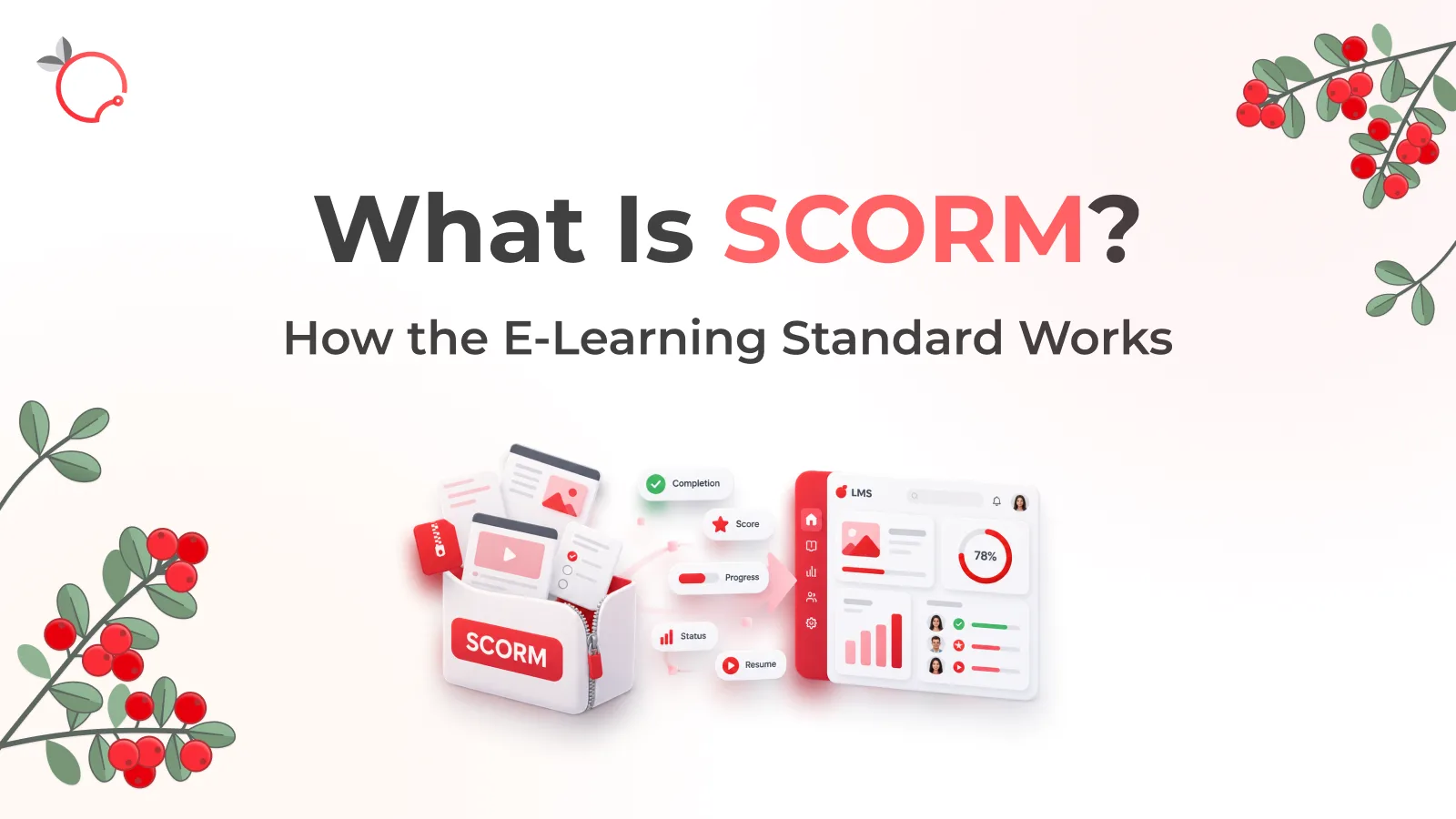
The integration synchronizes RD Station users and teams with Brusnika.LMS, lets employees sign in without a separate LMS registration, and connects learning assignments with work tasks in your CRM.
Courses · Tests · Surveys · Knowledge Base · Onboarding · Employee Development · Nika.AI
Learning where work happens
Brusnika.LMS turns RD Station CRM into an environment where learning becomes part of everyday work.
Employees authenticate through RD Station CRM, and their accounts become automatically available in the LMS. RD Station teams are displayed as departments in Brusnika.LMS, making it possible to organize learning around your company structure.
Assign a course to an employee and Brusnika.LMS can automatically create a task for them in RD Station CRM with a description and due date.
Employees don't need to look for a separate LMS, create another account, or constantly switch between systems.
What the integration provides
Single sign-on
Automatic user synchronization
Team synchronization
Turn learning into a work task
Work with deals and contacts
Webhooks
What is synchronized
| RD Station CRM | Brusnika.LMS |
|---|---|
| Users | LMS users |
| Teams | LMS departments |
| Tasks | Learning assignment tasks |
| Deals | Deal data through the API |
| Contacts | Contact data through the API |
| Events | Deal and contact webhooks |
What you can do with Brusnika.LMS
The RD Station integration gives you access to the core Brusnika.LMS corporate learning capabilities.
- Courses — create learning programs and assign them to employees or groups.
- Tests — check employee knowledge after training and evaluate learning results.
- Surveys — collect feedback after courses, programs and learning events.
- Onboarding — create structured onboarding programs for new employees and connect them with work tasks.
- Knowledge Base — store instructions, materials and corporate knowledge in one learning environment.
- Employee Development — work with competencies, role profiles, individual development plans and career paths.
- Nika.AI — use the Brusnika.LMS AI assistant to create learning content and tests and find information in your knowledge base.
Use cases
New employee onboarding
Sales team training
Learning connected to work tasks
Keeping knowledge up to date
Employee development
How to connect Brusnika.LMS
The integration is available through the RD Station App Store.
- Open the RD Station App Store and find Brusnika.LMS.
- Click "Instalar" / "Connect" — the standard RD Station authorization process will start.
- Grant access: authorize Brusnika.LMS to access your RD Station CRM account.
- Done — after authorization, your Brusnika.LMS portal is created automatically and RD Station users become available in the LMS.
There is no need to create employee accounts manually.
Install Brusnika.LMS
Secure OAuth 2.0 authentication
Brusnika.LMS uses the standard OAuth 2.0 mechanism to connect to RD Station CRM.
During installation, the user grants the application access to the required data. Brusnika.LMS receives an access token and refresh token and automatically refreshes the access token when necessary.
Users therefore do not need to repeatedly authorize the integration.
When the integration is disconnected, access is deactivated and registered webhook subscriptions are removed.
Important to know
- Calendar synchronization — the integration does not synchronize calendars between RD Station and Brusnika.LMS. RD Station tasks can contain a due date, but this is not a separate calendar event, so calendar synchronization is not available in the current version.
- Team structure — RD Station teams are displayed in Brusnika.LMS as a flat department structure. Nested organizational hierarchies are not supported by the current integration.
- Webhooks — Brusnika.LMS receives RD Station events related to changes in deals and contacts. In the current version, these events are received and processed at the integration level but do not themselves trigger automatic changes in the LMS.
Frequently asked questions
Start learning in RD Station
Connect Brusnika.LMS to RD Station CRM and bring employee learning and everyday work together in one environment.